
Just your average, run-of-the-mill Windows CE 2.0 PDA?
Quick facts
- CPU:
- NEC VR4111 @ 69 MHz
- RAM (KB):
- 8192
- Storage (MB):
- 8
- Display:
- 320x240 backlit LCD with 4 levels of grey
- Operating system:
- Windows CE 2.0
- Year introduced:
- 1998
- Power source:
- 2 x AAA alkaline batteries and CR2016 for memory backup
- Connectivity:
- Serial (proprietary connector) + IR
- Dimensions (mm):
- 80×120×20
- Weight (g):
- 184
- Built-in apps:
- Calendar, Address book, Notes, ToDo, Voice recorder, Calculator
- Input method:
- Stylus
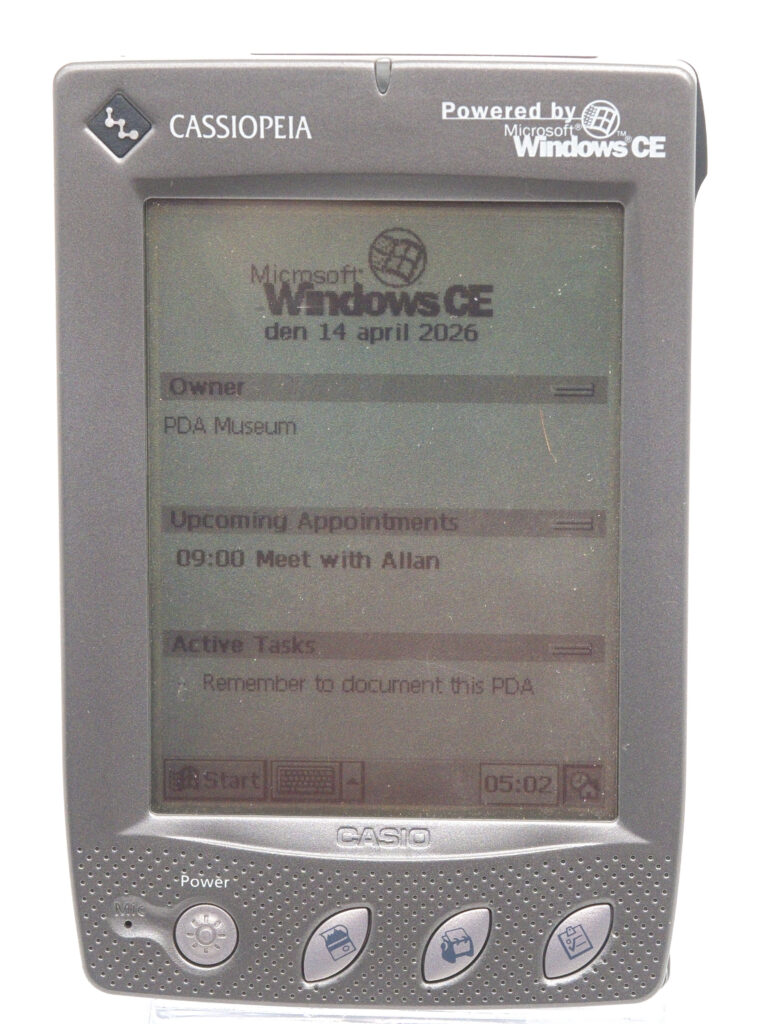
Casio Cassiopeia E-11
Today perhaps best known for its line of G-Shock sports watches, Casio was once a consumer electronics giant, producing a wide range of devices commonly found in homes during the 1990s. In particular, it was well known for its calculators and digital cameras. It is therefore not surprising that the company also wanted a presence in the lucrative PDA market.
Casio released an impressive number of handheld devices over a period stretching from as early as 1981 (!) until the market largely disappeared in the early 2000s. The units that ran Microsoft operating systems were given the Cassiopeia name. The Cassiopeia E-11 is neither the first nor the last in this long line of devices. Instead, it sits somewhere in the middle, running the Windows CE 2.0 operating system.
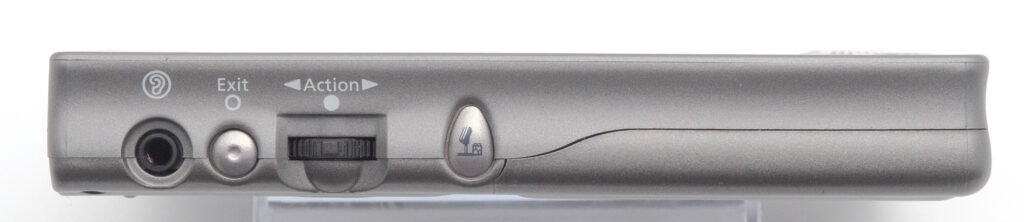
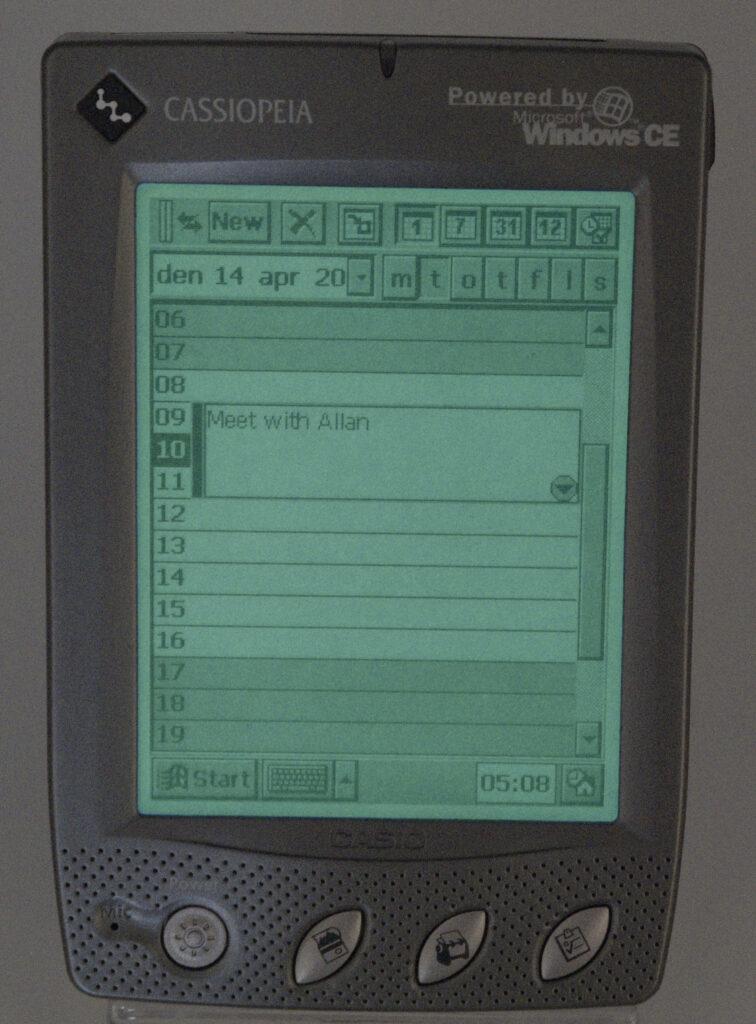
It is not remarkable in any particular way—on the contrary, it can be seen as a typical example of what a stylus-based Windows CE 2.0 device looked like in 1998. The only features that were not standard across all competitors are the inclusion of both a speaker and a microphone, as well as a dedicated button for making recordings. It also features a three-way up/down/select button combined with a back/exit button, making navigation slightly easier. It reminds me somewhat of Sony’s scroll-wheel arrangement, although it is not as sophisticated.
Hardware
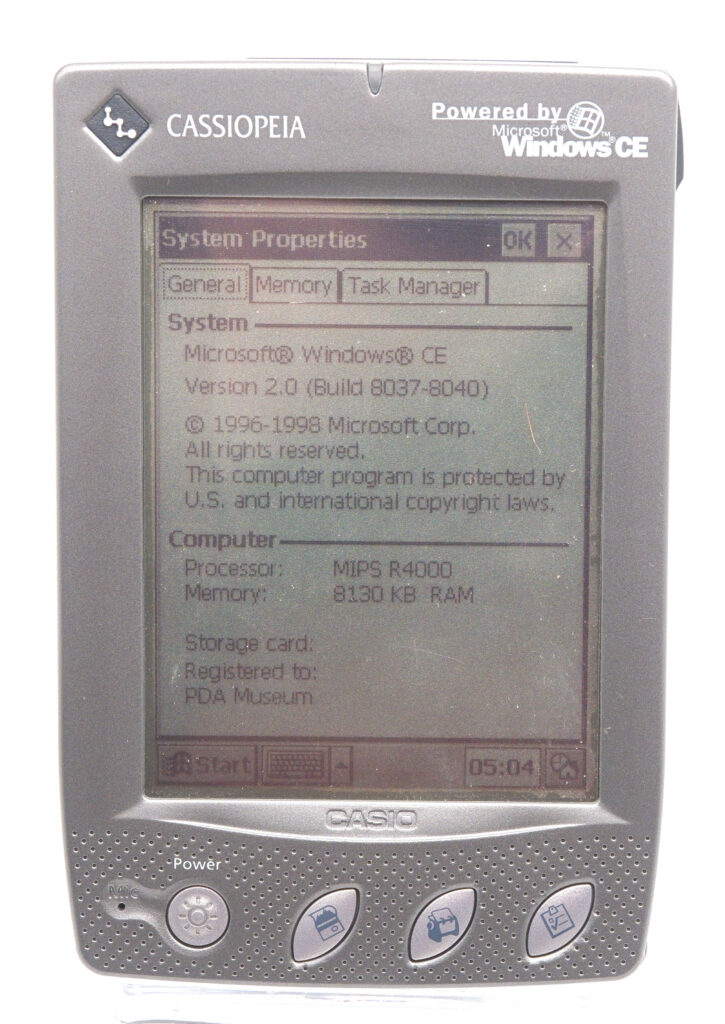
The E-11 is powered by a NEC VR4111 CPU running at 69 MHz. This processor uses the MIPS instruction set, a popular RISC architecture at the time, before ARM largely took over that segment of the market. It is equipped with 8 MB of RAM and 8 MB of ROM. The ROM appears to be socketed and therefore theoretically replaceable, although it is unclear whether any upgrades were ever offered.
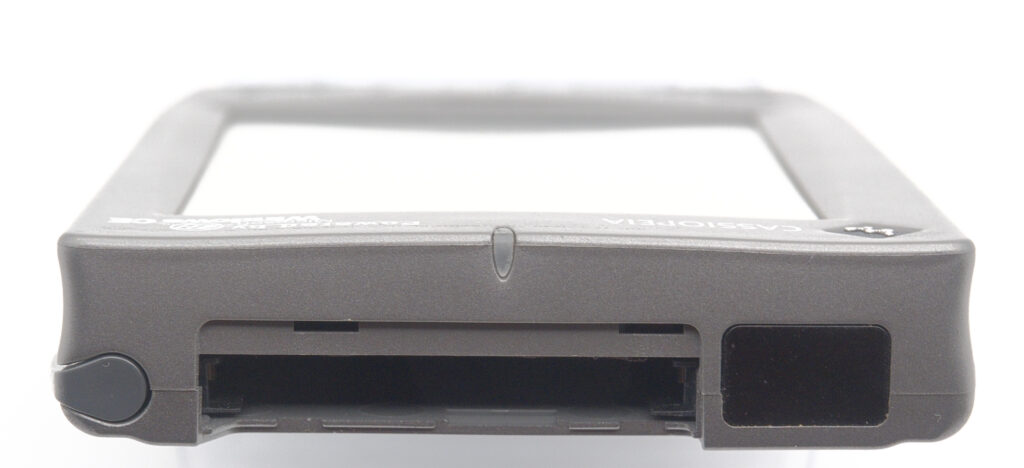
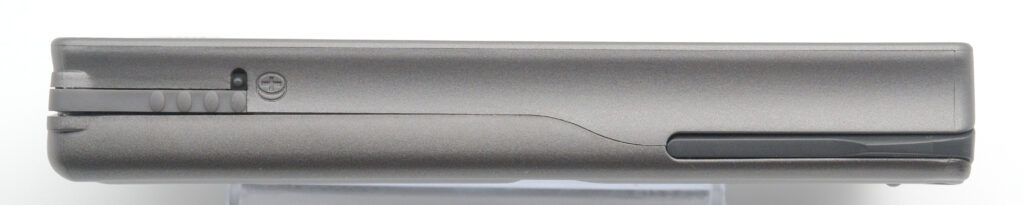
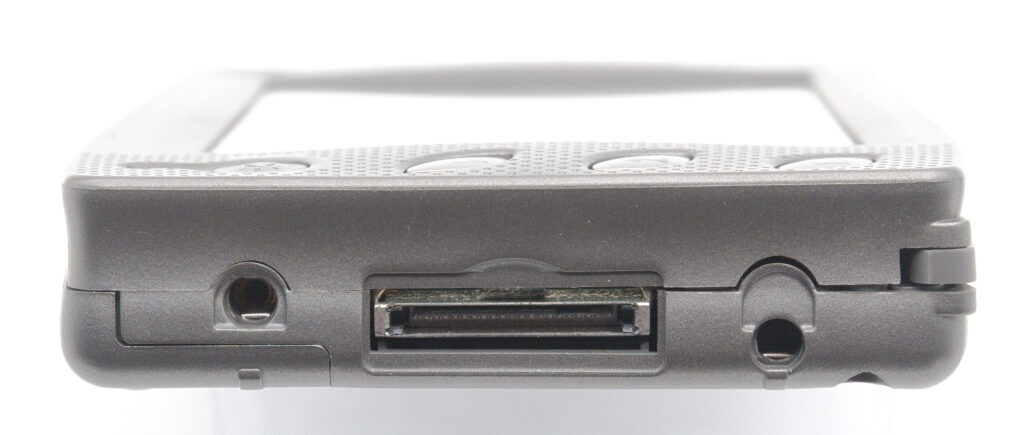
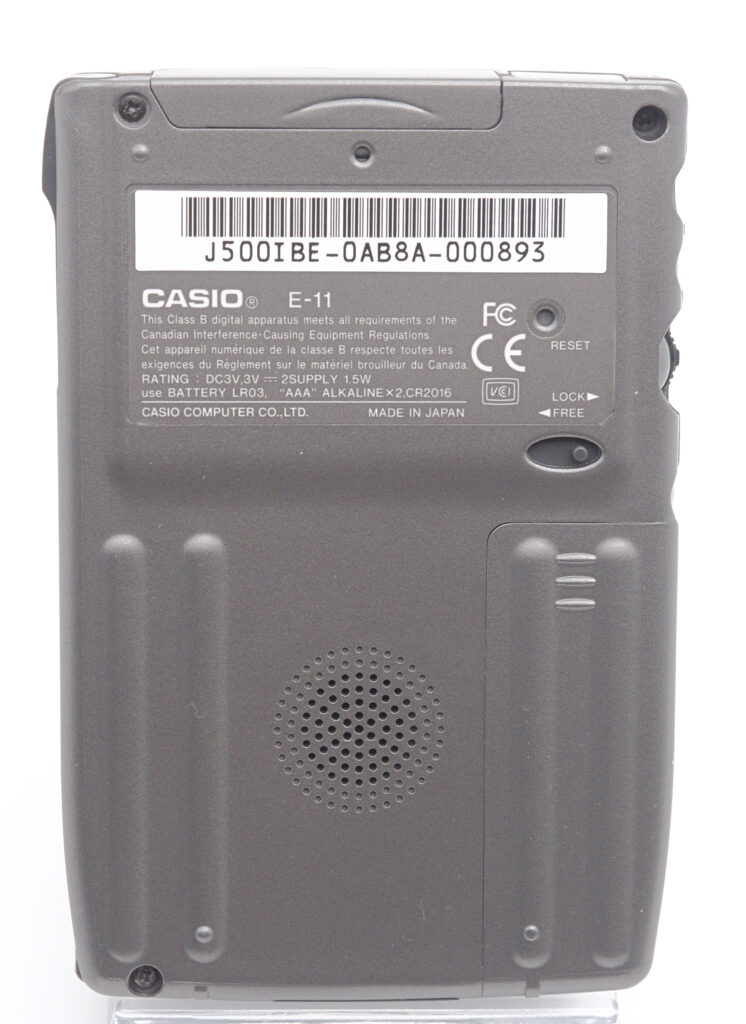
The display is a backlit 240×320 pixel grayscale panel capable of showing four shades of grey. A microphone is located on the front of the device, while a small speaker is placed on the back. Recordings can easily be made using the dedicated button on the left edge of the unit. A CompactFlash slot for memory expansion is located at the top.
The Cassiopeia is powered by two AAA alkaline batteries, providing up to 20 hours of operation. A small lithium cell is used for memory backup.
Communications
As was common for PDAs of this period, the device features a proprietary serial connector at the bottom, along with two guiding holes that align with pins on the supplied docking station. There is also an infrared port at the top. However, it should be noted that Windows CE 2.0 did not fully implement the OBEX protocols used for exchanging business cards or calendar events. In practice, this means that the infrared capability is primarily useful for emulating a serial connection for ActiveSync rather than for direct file or contact exchange.
Software
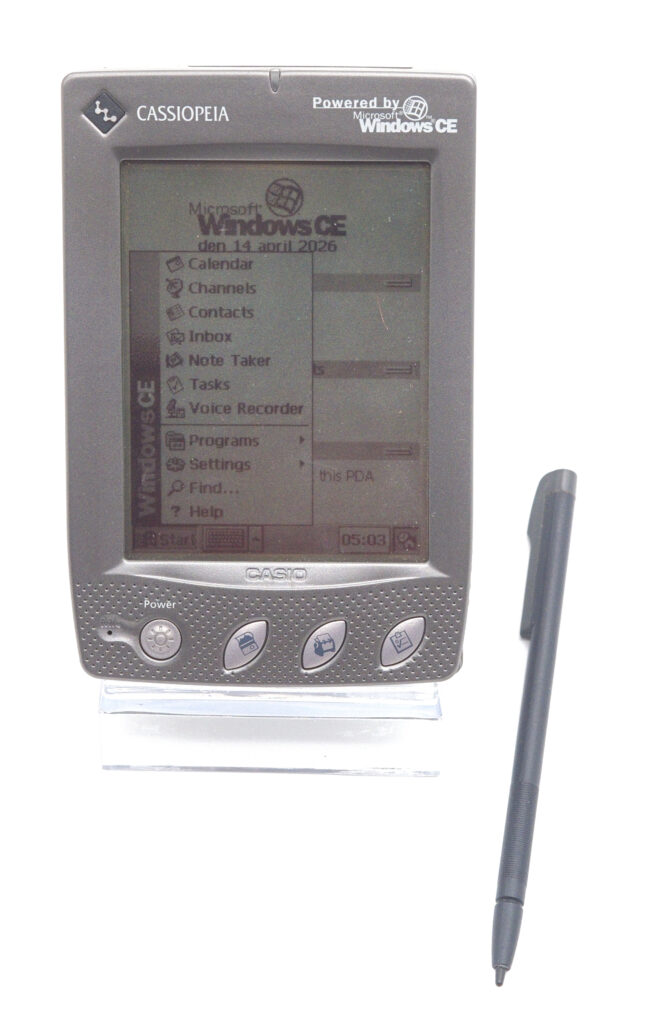
Microsoft Windows CE includes the usual PIM applications such as a calendar, address book, to-do list, and notes application, along with a voice recorder, email client, and calculator. It does not, however, include mobile versions of Word, Excel, or PowerPoint; these would only arrive in later versions of the operating system (later branded as Windows Mobile).
Synchronization with a PC is handled via the supplied ActiveSync software, which must be installed on the desktop computer. In addition to the bundled applications, a wide range of third-party software was available—and still is today. Applications were typically installed by syncing them to the device via ActiveSync, as there were few other practical methods for installing software on a Windows CE device.
According to the review by Pen Computing (see below for link) the Cassiopeia E-11 came with a large bundle of software, supposedly supplied on CD-ROM. As I don’t have access to this CD, I can’t comment on its contents.
In use
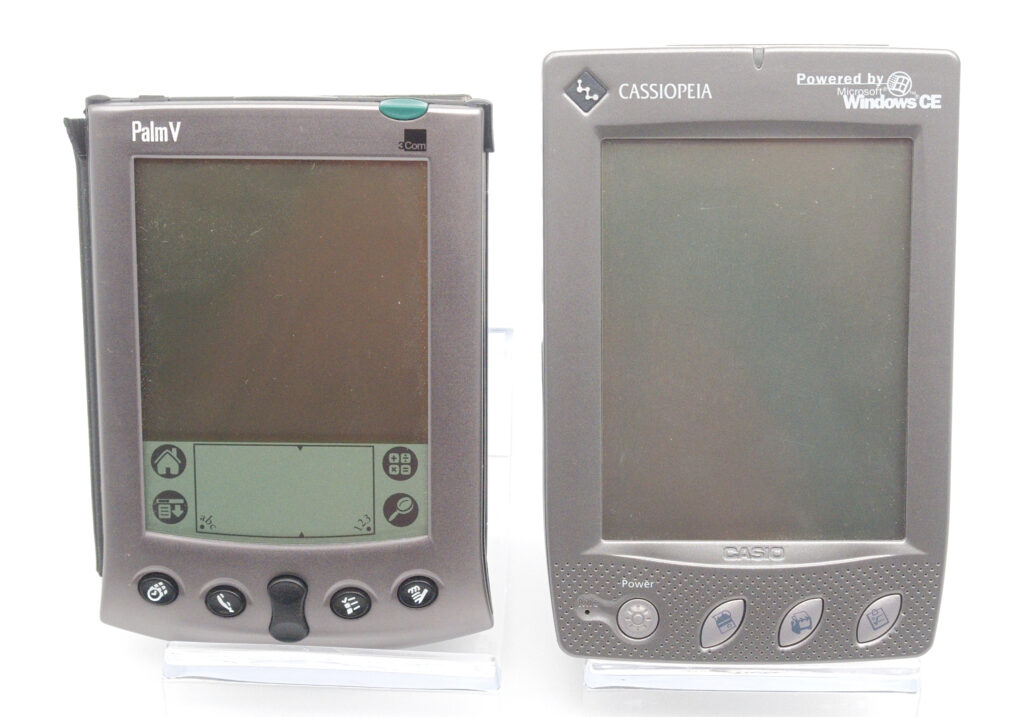
Comparing a Palm V with this Cassiopeia is an interesting exercise. Where the Palm is simple and fast to use, it lacks some of the depth and polish that Microsoft brings to its applications. So if you were choosing between the two back in 1999, which would you pick?
Personally, I would favour the Palm V, because it “just works.” The Cassiopeia, like many of its Windows CE contemporaries, looks better on paper. But in practice, everything takes a bit longer to accomplish, and you need both good eyesight and a steady hand to accurately tap the small on-screen keyboard. This stands in sharp contrast to the ease of text input using Palm’s Graffiti system.
Even something as simple as exchanging electronic business cards highlights the difference: on the Palm, it “just works,” while on the Cassiopeia, it does not. Does that make the Cassiopeia a flop? Not at all. Many users preferred the familiarity of an operating system they already knew—namely Windows 98—rather than learning something completely new. For those users, the real question was not Palm vs. Windows CE, but rather whether to choose a stylus-based device or one with a keyboard. Both types were widely available from multiple manufacturers, all running Windows CE 2.0.
This is not a particularly exciting piece of hardware. Yet it comes from a brand that was truly a pioneer in handheld computing, so having at least one Casio PDA feels natural. Owning more advanced models from HP—devices from a later period when mobile versions of Word, Excel, and PowerPoint had become standard—also provides useful perspective on just how quickly the technology evolved during those years.
References
Wikipedia’s page on Casio Cassiopeia