
The optimal standalone PDA?
Quick facts
- CPU:
- Intel XScale @ 400MHz
- RAM (KB):
- 65000
- Storage (MB):
- 16
- Display:
- 3,9 inch TFT Colour display with 320x480 resolution
- Operating system:
- PalmOS 5.3.2
- Year introduced:
- 2003
- Power source:
- Built-in Li-ion battery, 900mAh
- Connectivity:
- USB 1.1, IrDA, Bluetooth
- Dimensions (mm):
- 75x108x16
- Weight (g):
- 153
- Built-in apps:
- Calendar, Contacts, Tasks, Memos, Notes, Calc, Kinoma Player, Photos, RealOne, VersaMail and more
- Input method:
- Stylus
Introduction
When Palm introduced the PalmPilot in 1997, the company was by no means one of the pioneers. Far from it. Companies such as Psion, Atari, Amstrad and AST, to name just a few, had already been making handheld computers for many years.
Even so, Palm managed to go from zero to dominating the PDA market in only a few years. Why? Well, it sold a device that was easy to understand, quick at performing its tasks, small enough to fit in a shirt pocket and affordable enough to appeal to a relatively wide audience.
Palm would not remain unchallenged for long. During the following years, a number of new and established manufacturers began offering devices that provided a similar experience while adding new features of their own. Many of these devices ran Microsoft’s Windows CE operating system, although consumers could choose from several competing platforms.
Palm naturally felt the competition closing in and, in some respects, overtaking it. The company responded by continuing to innovate and releasing an impressive number of models during its relatively short existence as an independent PDA manufacturer.
The Tungsten T series was introduced in 2002. The Tungsten T3, released in October 2003, can be regarded as the true successor to the original Tungsten T, with the short-lived T2 being more of an interim upgrade. Although the T3 was not among the last handhelds Palm sold, it arguably represents the technological high point of the standalone Palm PDA. Palm continued selling non-phone handhelds until 2009, two years after Apple introduced the first iPhone.
Overview
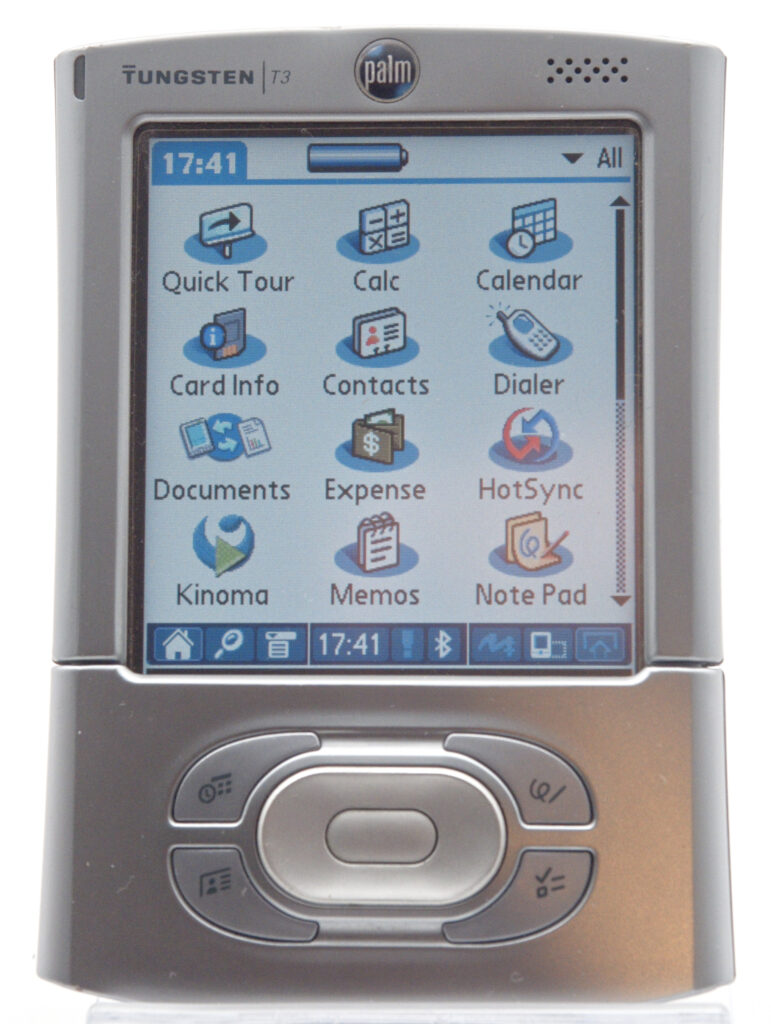
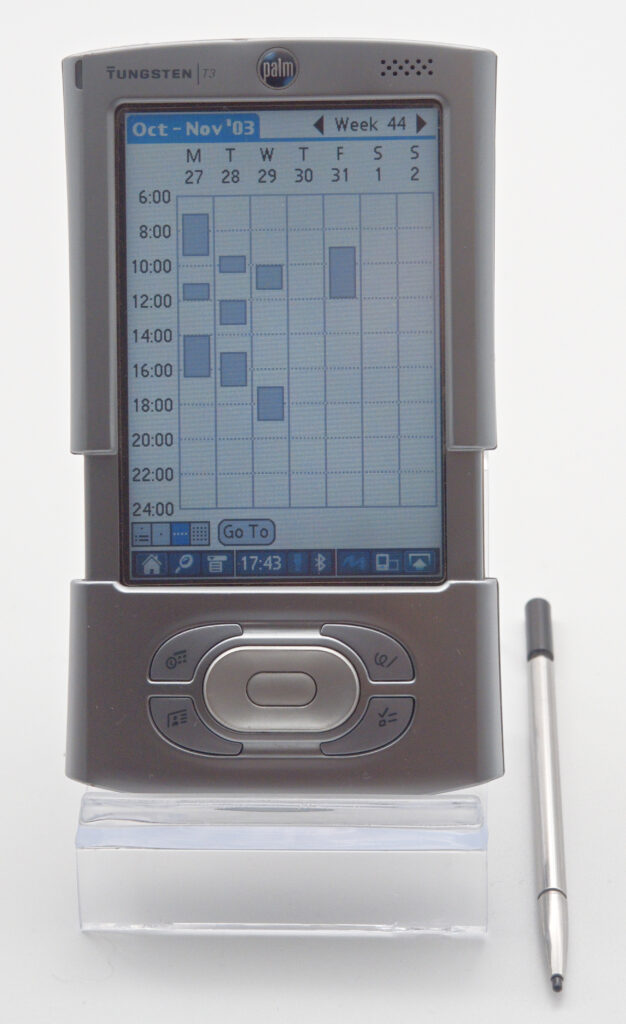
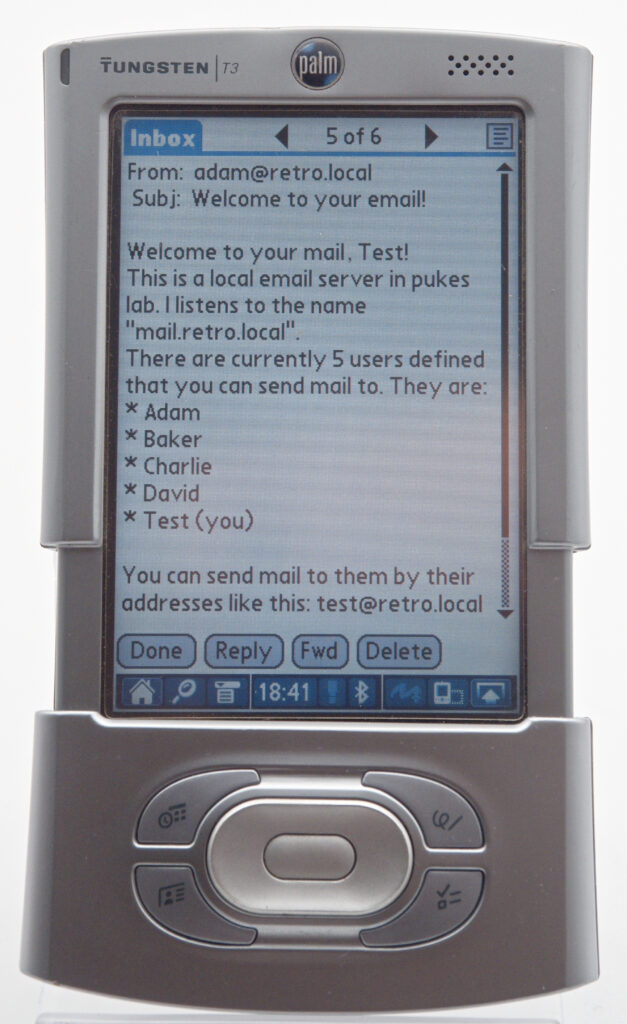
The Tungsten T3 is a relatively small and slim PDA that fits comfortably into an ordinary shirt pocket. It has a trick up its sleeve, however: it can be made taller by sliding the upper and lower sections apart.
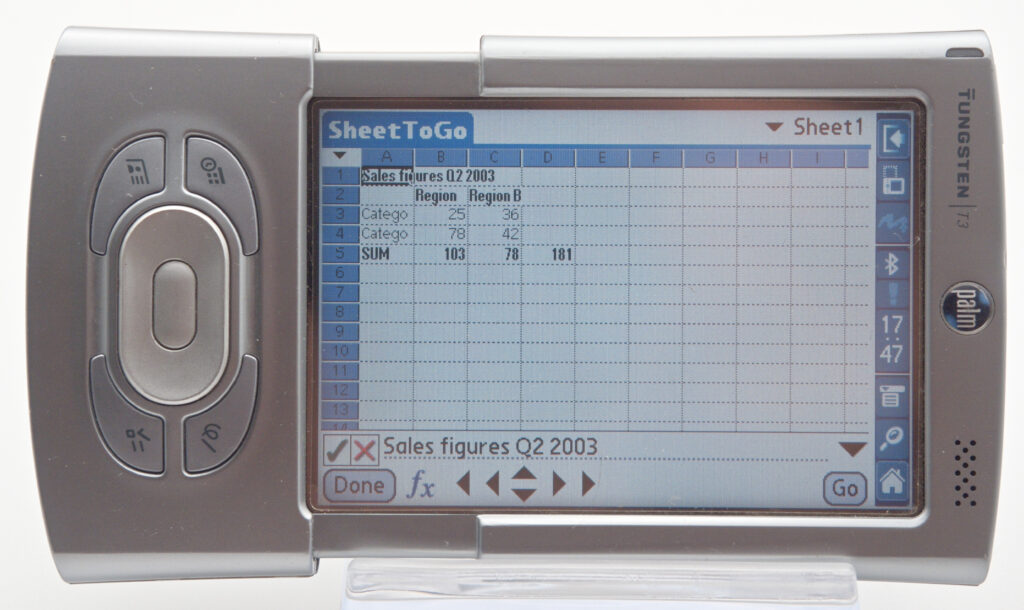
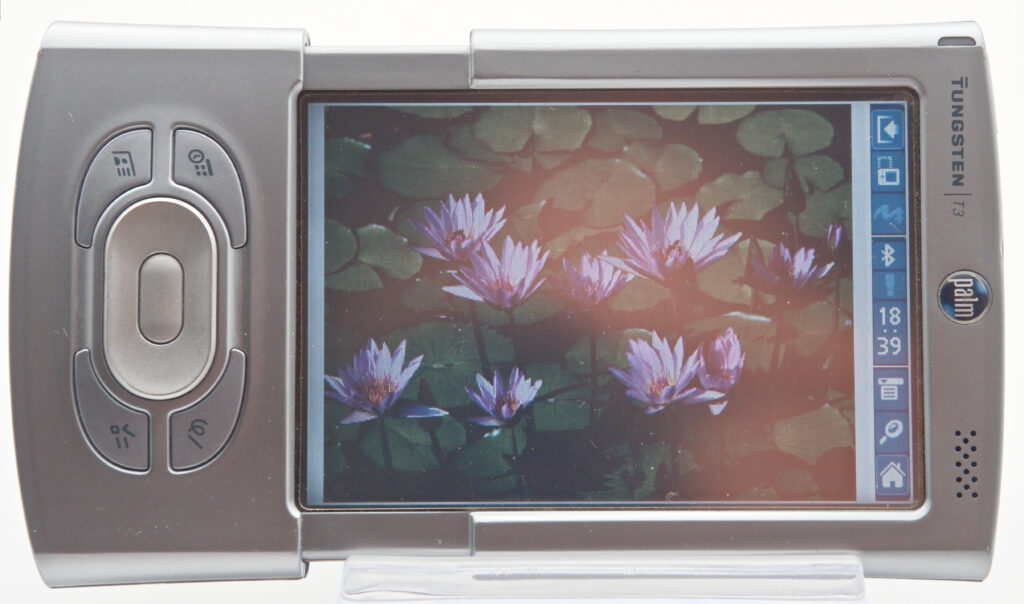
When opened, the display expands from the square format traditionally used by Palm to a much more useful rectangular shape. A clever software feature also allows the display to operate in either portrait or landscape orientation, which is particularly useful when viewing something such as a spreadsheet. Switching between the two modes is accomplished by tapping a small icon in the status bar at the bottom of the screen.
The fully backlit colour TFT display was typical of a high-end PDA by this time, but its brightness and contrast remain excellent even by today’s standards. Colour reproduction is perfectly acceptable for a device of this age, although naturally it leaves a great deal to be desired when compared with a modern smartphone.
Hardware
The T3 is powered by a 400 MHz Intel XScale processor, a significant jump from the 144 MHz processor used in the preceding Tungsten T2. It contains 64 MB of RAM, of which approximately 52 MB is available to the user, together with 16 MB of ROM. In 2003, this made it one of the fastest and most generously equipped Palm OS handhelds on the market.
Files can also be stored on an SD card, which was not included. Palm officially supported cards of up to 1 GB, although a card of that capacity would have been financially out of reach for many buyers in 2003. Ironically, 1 GB cards are almost out of reach again in 2026, this time because cards that small are rarely manufactured.
The screen can display 65,536 colours at a resolution of 320 × 480 pixels. When the unit is closed, only a 320 × 320-pixel area is visible; opening the slider reveals the remaining portion of the display.
Bluetooth is built in and can be used for file transfers, synchronisation and internet access through a suitably equipped mobile phone. Although the Tungsten T3 includes Bluetooth, it cannot send music to wireless stereo headphones. Early Bluetooth audio was primarily intended for low-quality mono telephone headsets. The A2DP profile required for stereo music was only finalised in 2003, the same year the T3 was released, and Palm did not include it in the device’s Bluetooth software. Some later Pocket PC models gained A2DP through manufacturer-specific Bluetooth stacks or software updates, while Palm OS users eventually had to rely on third-party software.
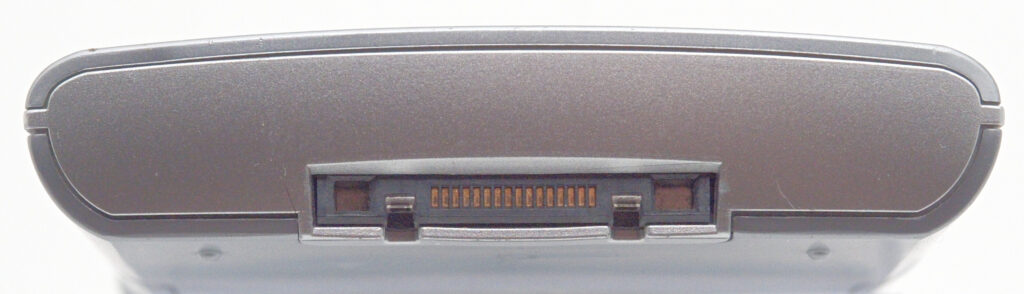
The T3 also has the usual infrared transceiver, allowing quick transfer of such things as a business card, calendar appointment or file. When placed in its HotSync cradle, it connects to a computer through USB.
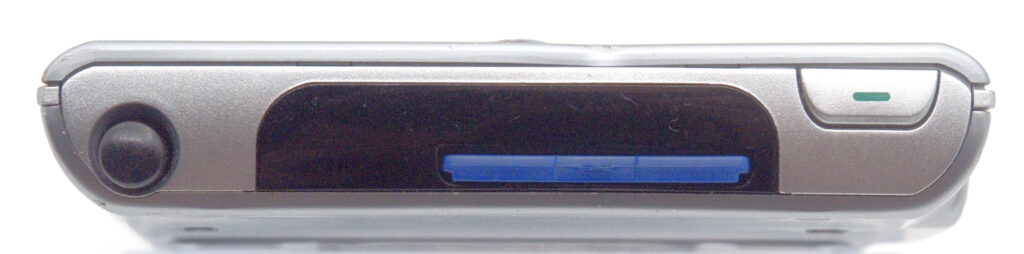
What the T3 lacks is built-in Wi-Fi. Palm later sold an SDIO Wi-Fi card that could be used with the T3, but this occupied its only expansion slot, preventing the simultaneous use of an SD storage card.
For alerts, the T3 includes both an indicator LED and a built-in vibration motor. These can notify the user of an upcoming appointment or task even when the device is tucked away in a pocket.
Digital cameras had started to appear in some PDAs by this time, with the Sony Clié UX50 being one example in my collection. Palm chose not to include one in the T3, concentrating instead on its display, processing power and compact sliding design.
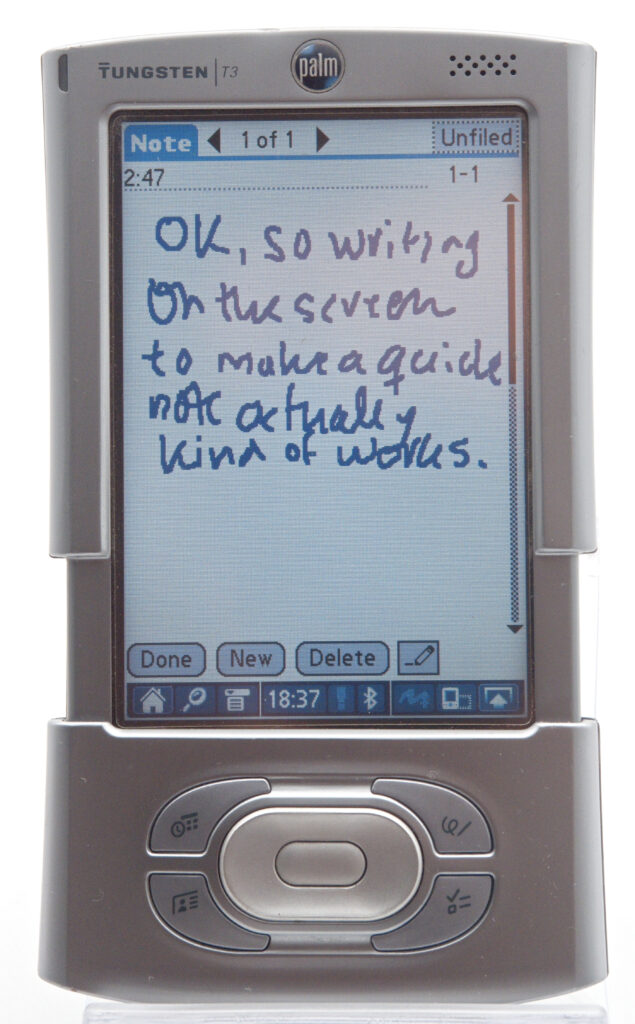
From the outset, Palm devices had reserved a specific part of the screen for entering characters using Graffiti. Alphabetic characters were written in one section, with numbers and symbols entered in another.
On the Tungsten T3, this area was no longer permanently printed onto the display. Instead, it became a software-controlled Dynamic Input Area that could be opened when needed and collapsed afterwards, giving applications access to the full 320 × 480-pixel display. The T3 also supported full-screen writing, allowing Graffiti 2 characters to be written over the application itself rather than only inside the input area.
Software
The Palm Tungsten T3 came with Palm OS 5.2.1.
The T3’s implementation introduced several visible changes compared with earlier Palm devices. Most obviously, it supported the new rectangular display and its collapsible Dynamic Input Area. It also added a status bar along the bottom of the screen, providing quick access to the application launcher, menus, search, alerts, Bluetooth, screen rotation, full-screen writing and the opening or closing of the Graffiti area.
The device has a five-way navigation control and four application buttons, making many common operations possible without reaching for the stylus.
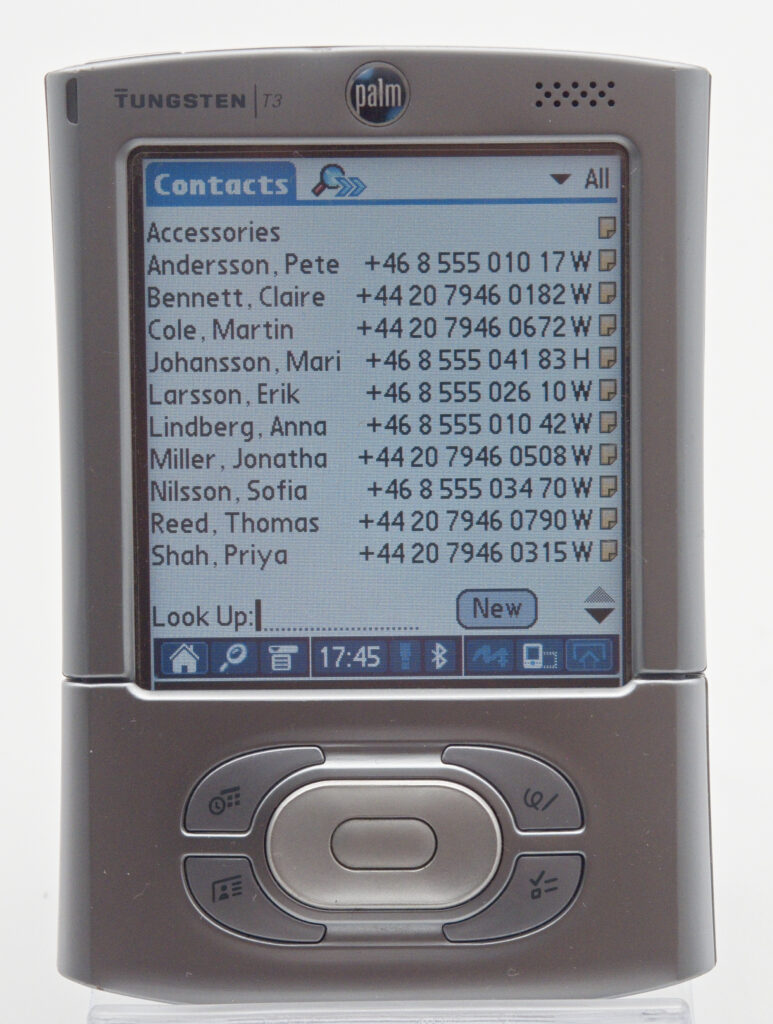
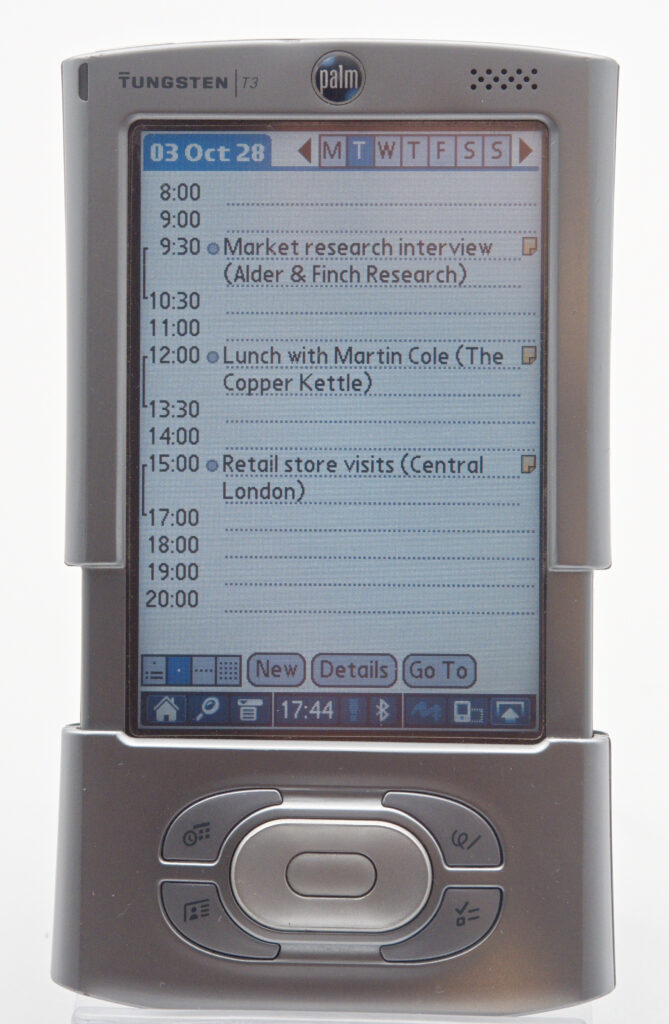
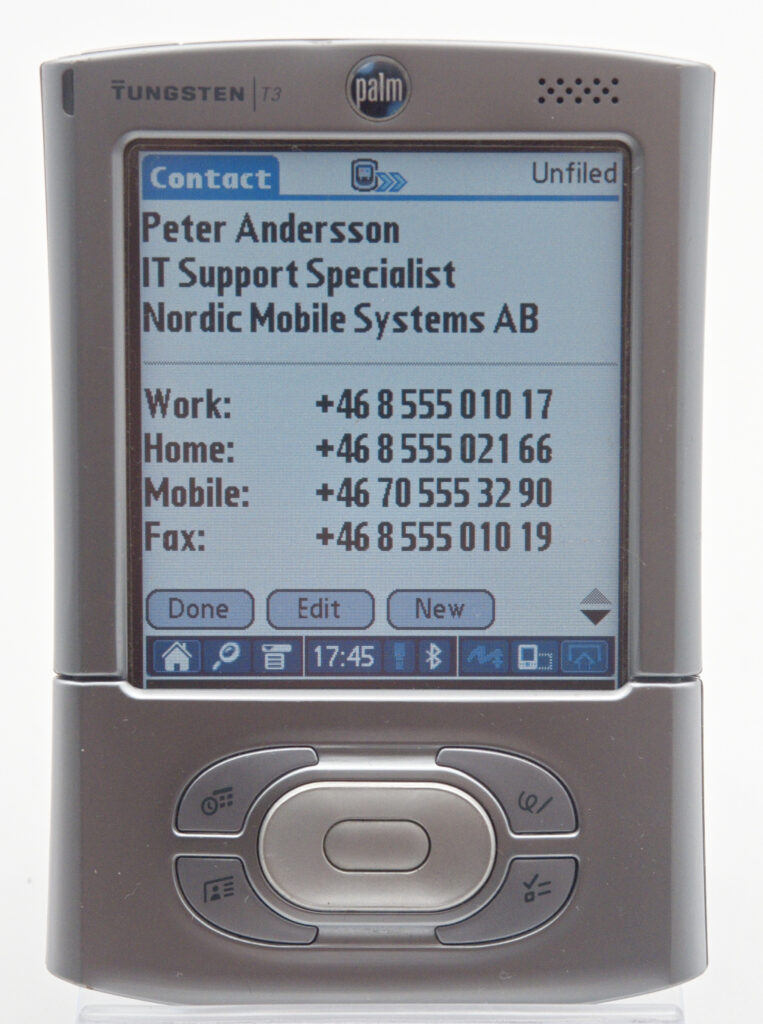
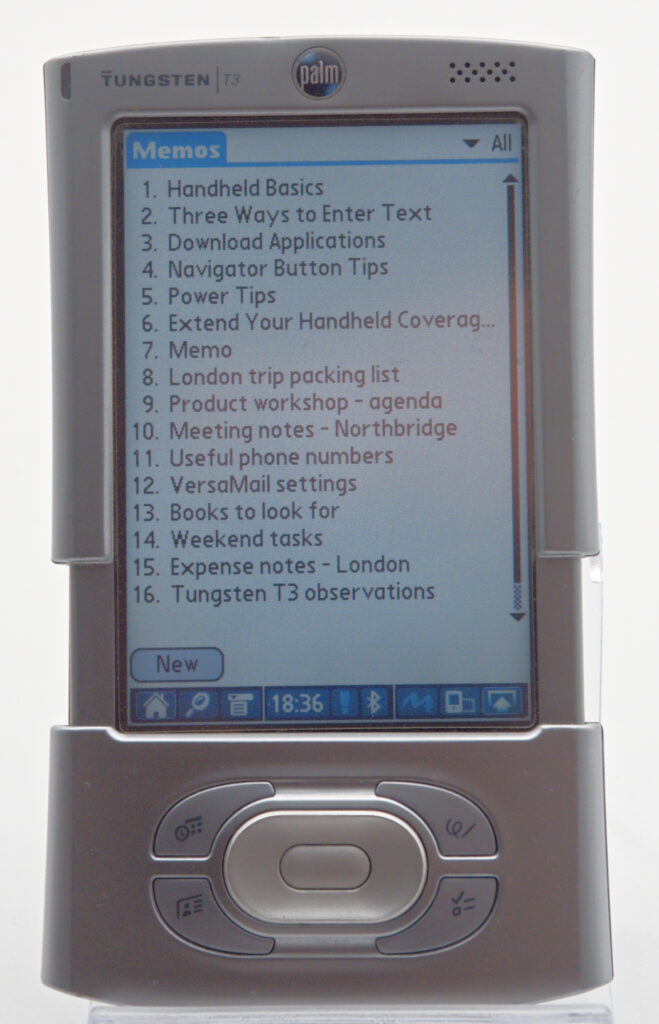
The built-in Calendar, Contacts and Tasks applications also received substantial improvements. Contacts had previously been known as Address Book, while Tasks replaced To Do List. Calendar could now display tasks alongside appointments, and the applications were designed to make use of both the compact and expanded screen formats.
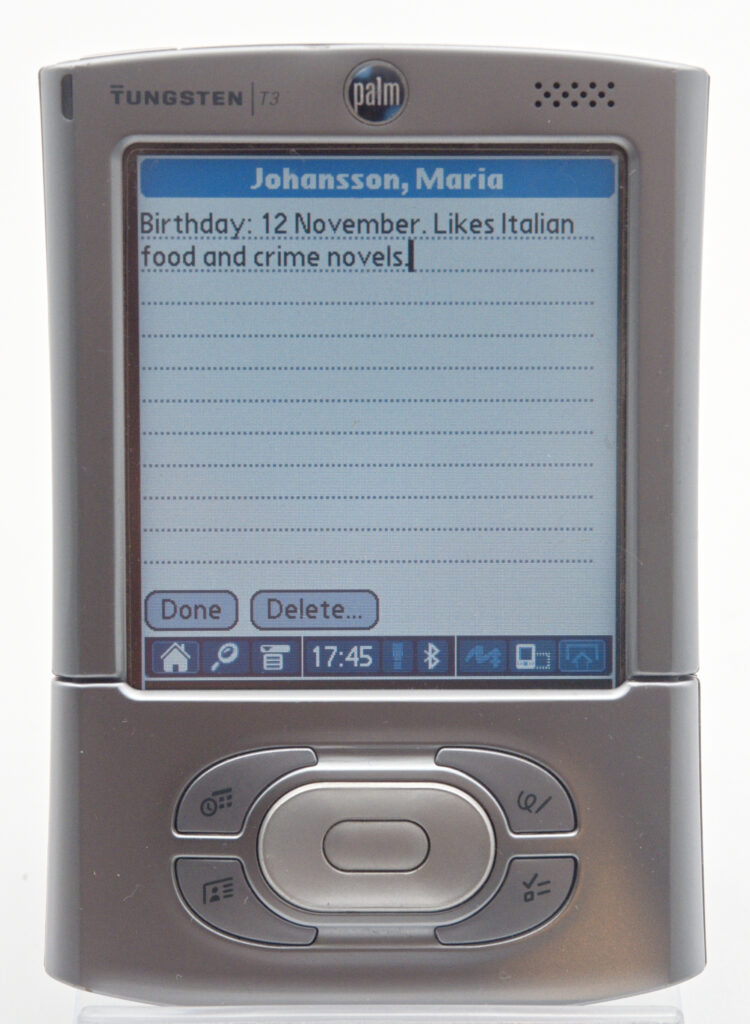
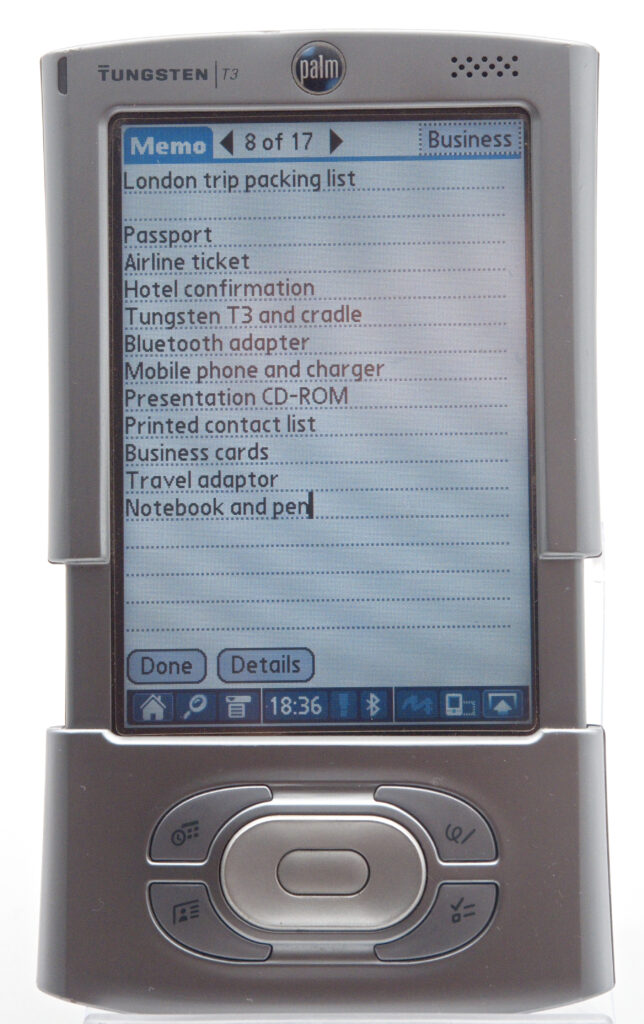
The T3 came with a software CD containing Palm Desktop and the HotSync software required to synchronise the PDA with a PC or Mac. Palm Desktop is a fully fledged PIM application containing a calendar, contacts database, task manager and memo application. It also provides a convenient way to install additional applications on the Palm.
What Palm Desktop does not include is an e-mail client or Office applications comparable to Word and Excel.
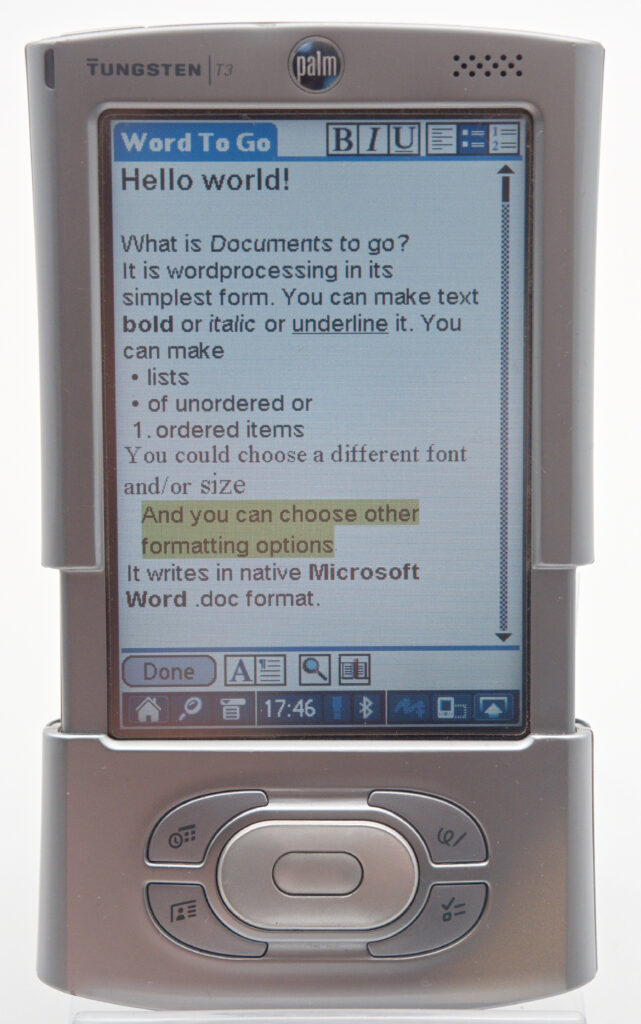
For Office documents, the T3 was supplied with DataViz Documents To Go 6. Word To Go and Sheet To Go could create, display and edit native Microsoft Word and Excel files. Slideshow To Go could display PowerPoint presentations, although its editing capabilities were considerably more limited.
The use of native Word and Excel formats was an important advantage. A document could be opened and edited on the T3 without first being converted into a special handheld format. DataViz also used its InTact technology to preserve formatting and document elements that the Palm itself could not display or edit. As a result, advanced formatting generally remained intact when the file was returned to a desktop computer.
This was more than could always be said for Microsoft’s own Pocket Word and Pocket Excel applications, which relied heavily on conversion and could remove unsupported formatting in the process.
E-mail is handled by the bundled VersaMail application. VersaMail could be synchronised with Microsoft Outlook or Outlook Express on a PC, but this was not necessary if the Palm connected directly to an e-mail server through the internet.
While researching this article, I configured VersaMail to connect to my own mail server using POP3 and SMTP. It could also retrieve mail using IMAP and supported authenticated SMTP servers. Not bad for a product released in 2003. It also handles attachments surprisingly well.
A web browser was not included in the Palm OS 5.2.1 ROM, but Palm Web Pro 3.0.1 could be installed from the accompanying software CD. Internet access could, for example, be provided through a Bluetooth-equipped mobile phone or through a computer acting as a Bluetooth network gateway.
I tested Palm Web Pro 3.0.1, and it works well provided that it is not confronted directly with modern websites requiring Unicode character encoding, contemporary JavaScript or modern encryption.
Modern websites also tend to contain large, high-resolution images. These take a long time for the T3 to download and render, assuming they fit into memory at all.
There is a way around much of this for anyone wishing to experiment. A web proxy such as WebOne can translate pages from UTF-8 into a Windows character encoding that Web Pro understands. It can also resize images to a maximum of 480 pixels along their longest side before sending them to the T3. This dramatically improves usability.
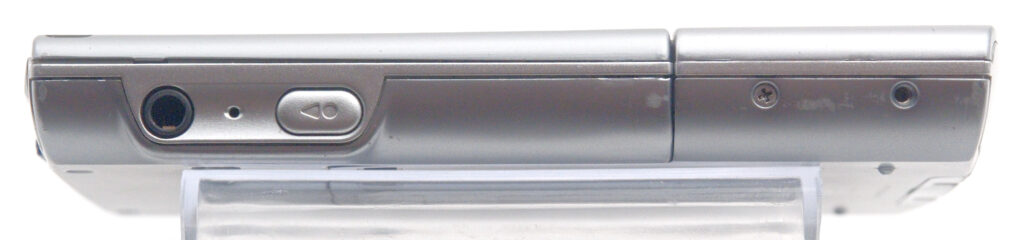
The T3 contains both a microphone and a small speaker suitable for recording voice notes. There is even a dedicated voice-recording button on the side of the unit.
For music playback, Palm supplied RealOne Player, the successor to the earlier RealPlayer brand. RealOne supports both RealAudio and MP3 files, with music normally stored on an SD card. Windows Media Audio files, another common format at the time, are not supported.
Palm Photos was supplied on the software CD and could be used to prepare and transfer photographs for viewing on the T3. Video could be played using the bundled Kinoma Player, although files first had to be converted into a suitable format using Kinoma Producer on a computer.
One aspect of Palm devices that may have made them more attractive than much of the competition was the enormous quantity of third-party software available. Games and productivity, financial, scientific and multimedia applications were all well represented.
Installation was simple. A .prc application file could be added through Palm Desktop and then transferred to the handheld during the next HotSync. Alternatively, many programs could be copied directly to an SD card.
There is still a remarkable amount of software available for anyone interested in reliving the good old days of PDA computing. Just head over to PalmDB to see what I mean.
How was it received?
The Tungsten T3 introduced several important new features, but not all of them were universally welcomed. Graffiti 2, for example, differed from the original Graffiti system to which experienced Palm users had become accustomed, and some preferred the older version.
More seriously, early T3 units suffered from a fault that could corrupt certain SD cards and, in the worst cases, leave them unusable. Considering the price of flash memory in 2003, this was a serious problem that Palm had to address quickly.
Palm released a substantial Tungsten T3 software update that corrected the SD-card problem and also improved audio performance. The update was transferred to the handheld through HotSync and then installed on the device, updating parts of its system software. Palm strongly recommended it to T3 owners intending to use SD cards. Later-manufactured units received the correction at the factory. It should be noted that the largest size SD-card that can be safely used is 1GB and that the SDIO implementation is said to be “non-standard” so that only Palm recommended cards will work.
Some reviewers and customers also complained about the T3’s limited battery life. It contains a 900 mAh rechargeable lithium-ion battery that is not designed to be replaced by the user. Continuous use, particularly with the bright display, Bluetooth, music or video, could exhaust it in roughly three to five hours.
That was considerably less than earlier monochrome Palm devices, which could often last for weeks between charges. In normal PDA use, involving brief checks of the calendar or address book, the T3 could still last much longer than its continuous-use figures suggest, but heavy users generally had to charge it every day.
The developer community also had to adapt its applications to the new rectangular screen and collapsible input area. Older applications generally continued to run in a 320 × 320-pixel area, but software had to be updated to take full advantage of the expanded display. Not every developer was delighted by the extra work. The digitizer part of the screen is also said to be less than perfect in the sense that it drifts, i e it has to be calibrated every now and then. And after a few years of use, it may become unusable.
Apart from these issues, the T3 was generally very well received. It combined a superb screen, fast processor, compact design and mature software ecosystem in a way that few competitors could match.
Reviewer Shawn Barnett of Pen Computing Magazine summed it up well:
“So far, this is the best all-purpose PDA I’ve seen.”
The Palm Tungsten T3 was a device I had my eye on back in the day, but I considered it slightly overpriced at USD 399, plus the taxes and other costs involved in buying one in Sweden.
Even so, it contained almost everything one could reasonably ask for in a PDA, and its display was fantastic compared with much of the competition.
Although it was not literally one of the last standalone PDAs Palm manufactured, it represents the state of the art in Palm’s classic handheld design: compact, fast, expandable and still recognisably descended from the original PalmPilot.
As such, it is an excellent piece of technology to preserve in the collection. If I had to stop using a smartphone and return to a combination of a basic mobile phone and a PDA, the Tungsten T3 would be one of my top candidates.
References
Review in Pen Computing Magazine by Shawn Barnett
Palm Tungsten T3 Specifications from PhoneDB