
Below is an emulated Ericsson MC218. It runs exactly the same code as the code running inside the real machine, however the hardware is emulated. Thanks to Joe Fincham Haines for his work to make this emulation work, and allowing me to use it in the PDA Museum.
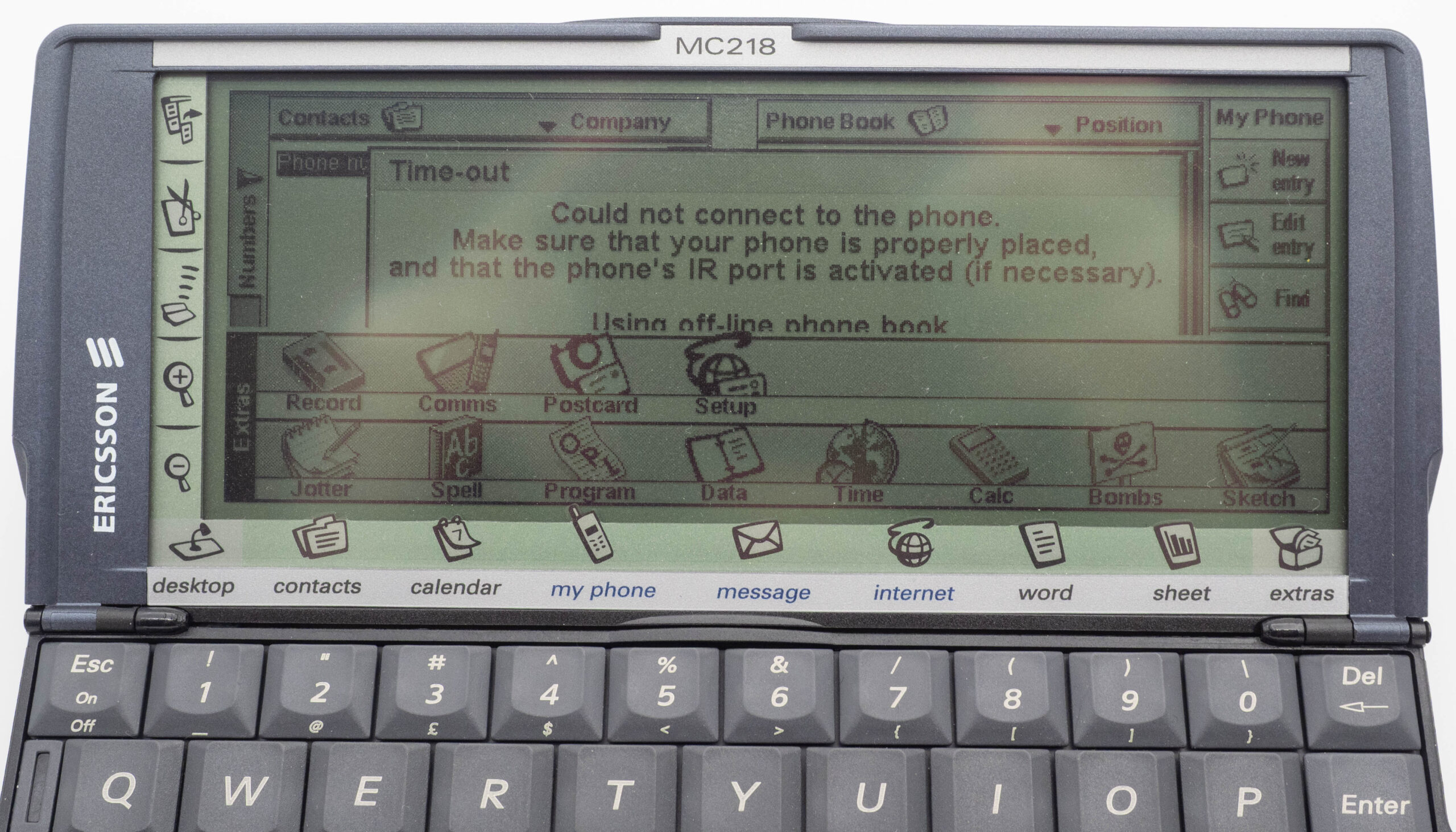
Here is what you need to know:
- The emulator only works on a computer with a physical keyboard. You cannot use it on a mobile phone.
- You need to use your computers keyboard, you cannot use the keys in the picture of the unit.
- You can also use the mouse or other pointing device as you would use the Stylus supplied with a real MC218. Try pointing and clicking on the icons on the left and below the screen, they are active.
- When finished, you can just close the browser window.