
The final model that truly delivered on the promise of being a Personal Digital Assistant
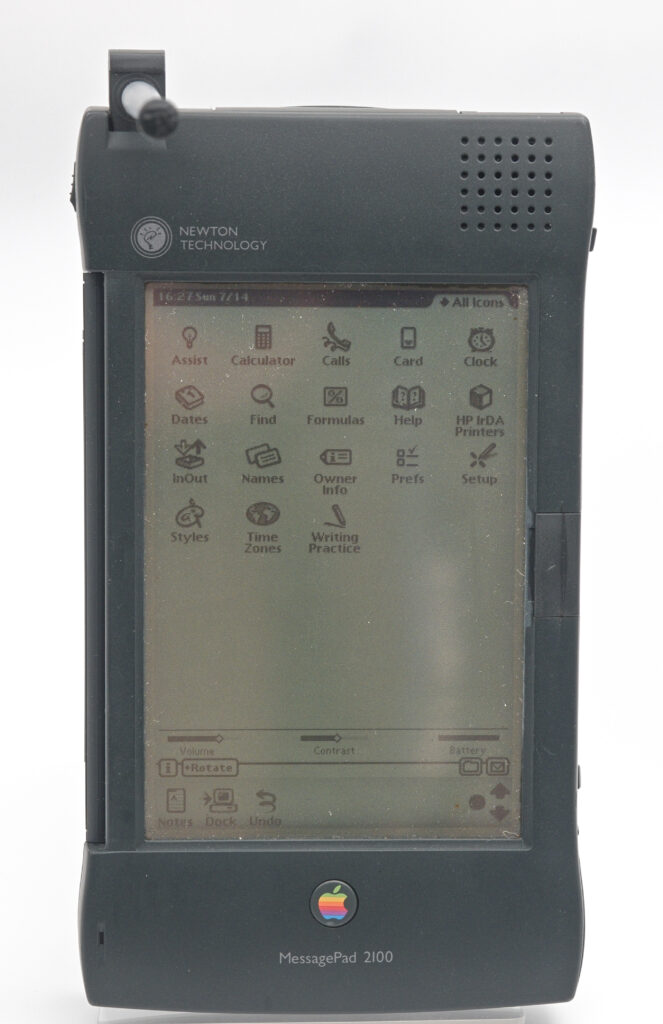
Quick facts
- CPU:
- StrongArm SA-110 @ 162 MHz
- RAM (KB):
- 4096
- Storage (MB):
- -
- Display:
- 480x320 monochrome with backlight
- Operating system:
- Newton OS 2.1
- Year introduced:
- 1997
- Power source:
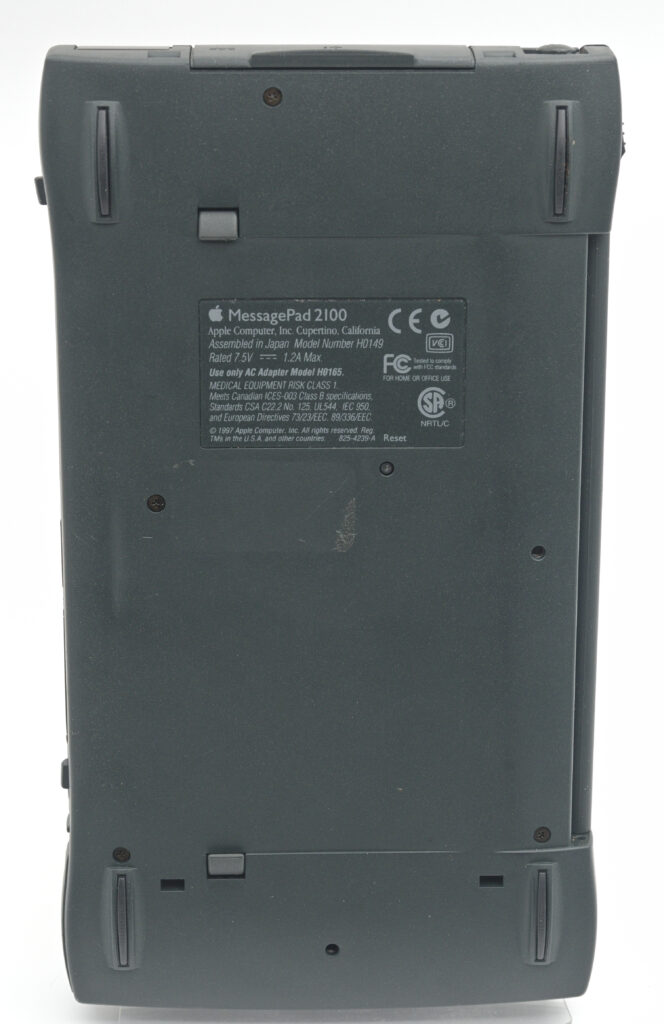
- 4 x AA-batteries or Li-ion battery pack
- Connectivity:
- Serial (RS-422), IR
- Dimensions (mm):
- 210x118x27,5
- Weight (g):
- 750
- Built-in apps:
- Notes, Calculator, Calls, Dates, Formulas, InOut, Names
- Input method:
- Stylus
Introduction
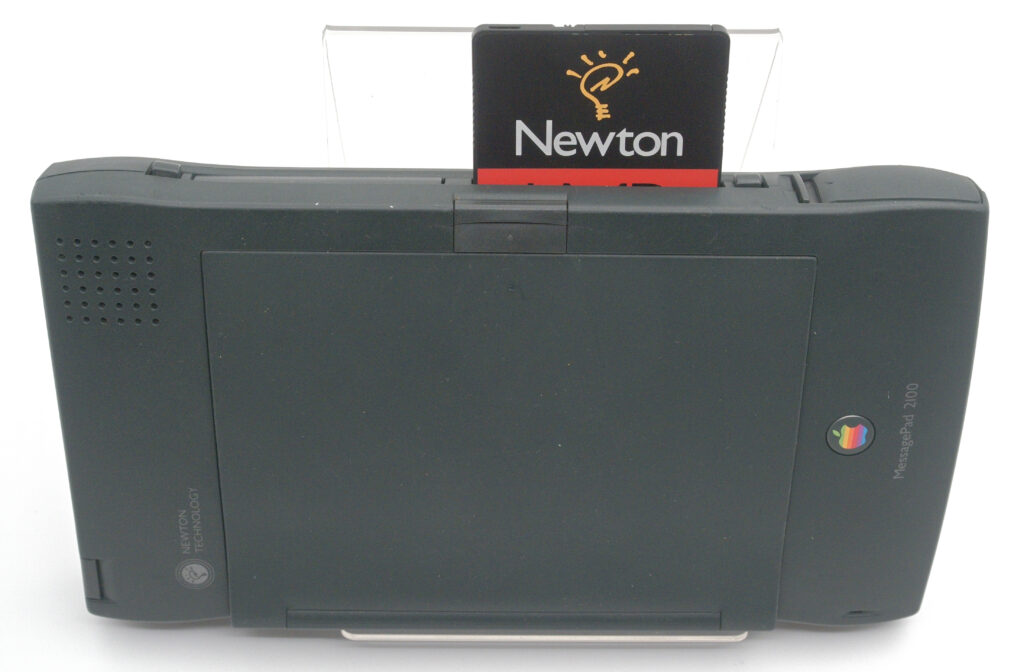
Over the course of just four years, Apple introduced no fewer than seven Newton models. The MessagePad 2100 was the last—and by far the most capable—of them all. Introduced in 1997, it ran Newton OS 2.1 and featured a fast CPU and 4 MB of RAM, finally providing the performance needed to fulfil the original vision of the Newton: a truly competent Personal Digital Assistant. It made it practical to take notes on the go and keep track of daily activities in a natural and intuitive way.
However, despite these improvements, the Newton line never recovered from its troubled start. Earlier models had failed to live up to the high expectations set when Apple introduced the Newton in 1993, and by the time the 2100 arrived, many customers had already lost interest. When Steve Jobs returned to Apple in 1997, he quickly decided to discontinue the entire Newton product line.
That said, the MessagePad 2100 developed a small but devoted following. Even today, there are active communities where Newton devices are discussed—and remarkably, new software is still being written for them.
Hardware
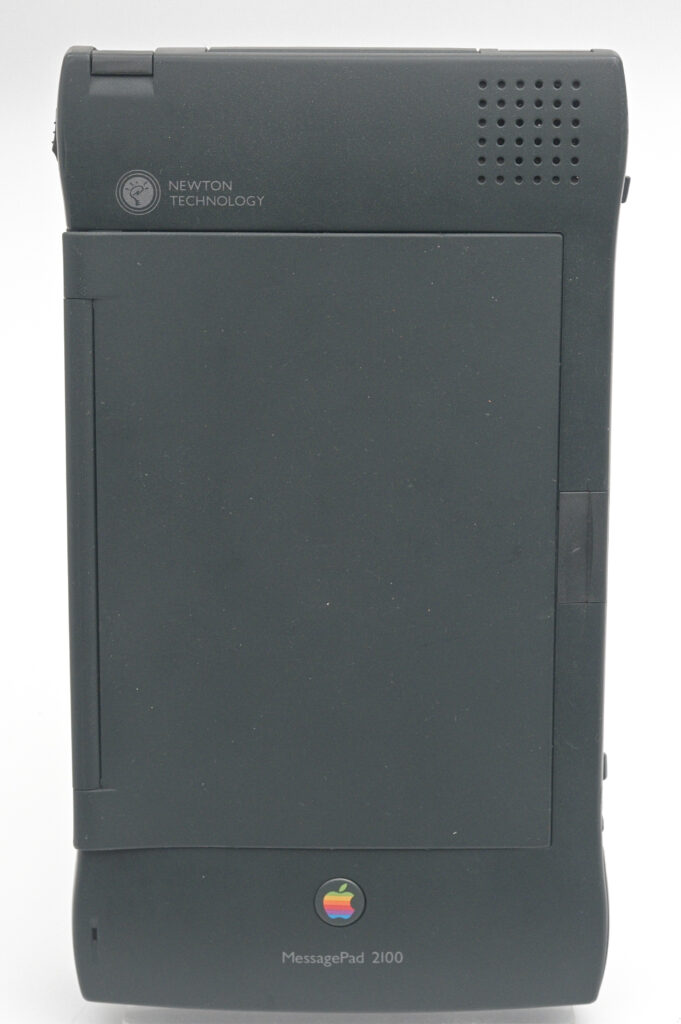
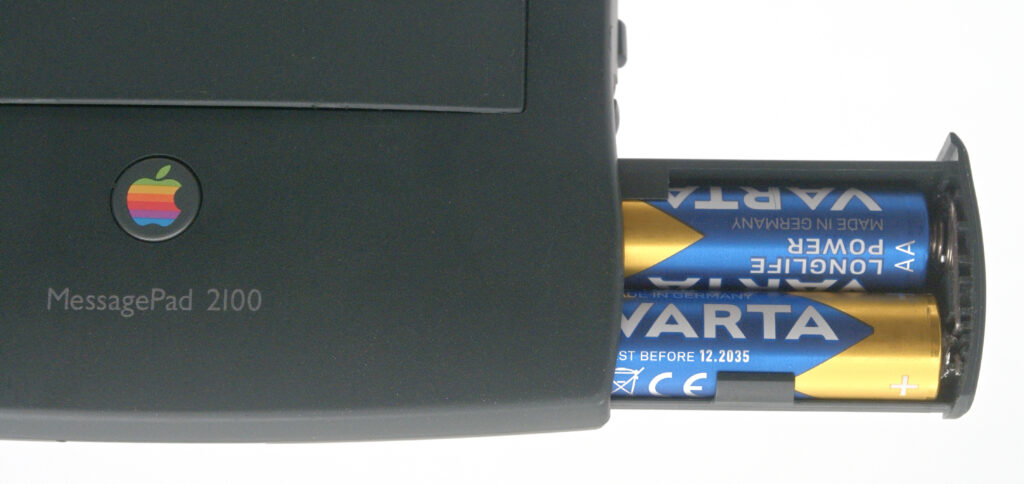
The MessagePad 2100 features an Intel StrongARM SA-110 processor running at 162 MHz and 4 MB of RAM. It has a large, backlit monochrome display with a resolution of 480 × 320 pixels, covered by a digitizer for stylus input. The unit can be powered either by four standard AA batteries or by a rechargeable lithium-ion battery pack.
Memory expansion is handled via two PCMCIA slots. Apple offered so-called Newton storage cards—battery-backed RAM cards—but standard PCMCIA storage cards were generally not compatible, as Newton OS used its own file system. Networking and modem cards were also available, though again limited by the availability of suitable Newton OS drivers.
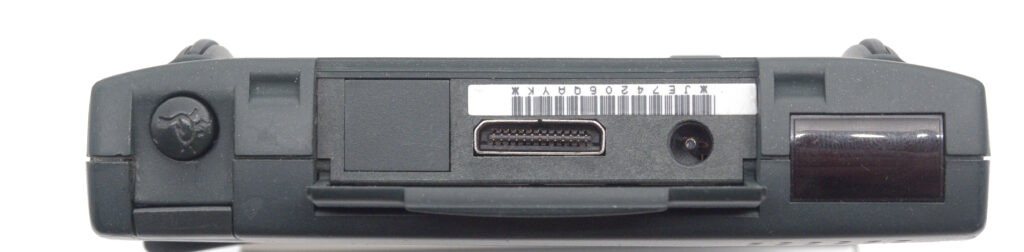
At the top of the unit is a proprietary connector used to connect the Newton to various peripherals, including printers and desktop computers. There is also an infrared port for communication with other Newton devices or compatible Macintosh computers. Notably, the Newton does not support the OBEX object exchange standard used by many later PDAs such as the PalmPilot.
Software – Interaction with the system
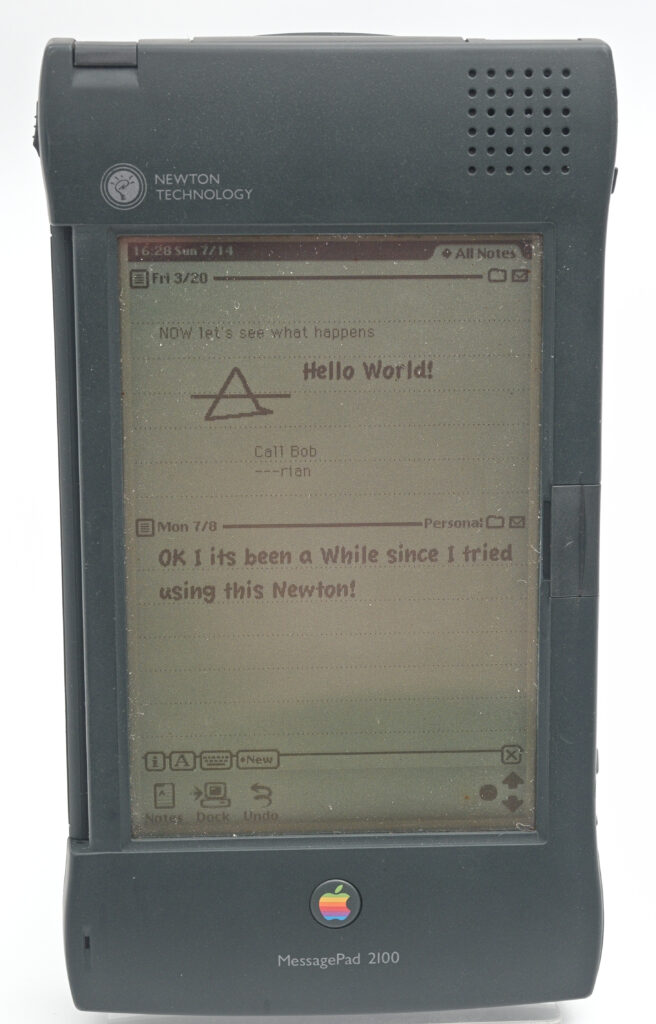
The Newton is entirely stylus-driven, and this is where it truly sets itself apart. Unlike the PalmPilot and its successors, which required users to learn the Graffiti handwriting system, the Newton instead attempts to learn the user’s natural handwriting.
With the MessagePad 2100, both the hardware and software had matured enough to make this a reliable and surprisingly fluid experience.
Users can write anywhere on the screen, and after a short pause, the handwriting is converted into typed text—unless the user chooses to keep it as handwriting. Notes can freely mix text and drawings, and the system can recognise shapes, straighten lines, and even turn rough sketches into clean geometric figures.
Editing is equally intuitive. Text and objects can be rearranged with a simple press-and-hold gesture followed by drag-and-drop. To delete text, the user scribbles a quick “scratch-out” gesture across it, accompanied by a satisfying animation and sound effect. Corrections are just as natural—simply overwrite the incorrect letters.
The entire user interface revolves around the concept of a Note, making the Notes application the central hub of the system. Notes can be stored, searched, and organised—but also shared via email, fax, infrared, or synchronisation with a Macintosh computer. The Newton also includes standard PIM functionality such as a calendar (Diary) and a to-do list.
Communications – not so easy
Connecting the Newton to a desktop computer is far from straightforward. It requires the Newton Connection Utilities software, which was available for both classic Mac OS and Windows.
The physical connection uses a proprietary cable, and unlike most other PDAs of the era—which relied on RS-232 serial communication—the Newton uses RS-422. This, combined with the unique connector, makes it difficult to establish a connection without the original Newton Connection Kit. However, there is a modern dongle called NewtCOM, that makes communication and installation of software very easy. Read more about how I got my Messagepad 2100 online in 2026 here.
Infrared communication with PCs is generally unreliable, and while PCMCIA network cards might seem like a solution, they introduce another problem: drivers must first be installed on the Newton—bringing us to a classic chicken-and-egg situation.
The Newton cult
Although the Apple Newton is often regarded as a commercial failure, it has developed a loyal and enduring fan base. When Steve Jobs returned to Apple, he famously discontinued the Newton project, but he did not erase its legacy.
I remember a colleague at Ericsson—long after the Newton had disappeared from the market—who brought his device to every meeting. He used it to take notes quickly and efficiently, and those notes could easily be shared with the rest of us, who at the time were still relying on pen and paper.
Despite the vastly superior hardware available in modern tablets such as the iPad, no contemporary software has fully replicated the Newton’s uniquely natural and efficient note-taking experience. It remains something of a mystery why.
The Newton occupies a special place in Apple’s history—a commercial failure, but a technological success.
I never had the chance to use one when it was new, but now that I own several, I fully understand the enthusiasm it still inspires. The MessagePad 2100 represents the culmination of the Newton era—the model that finally delivered on Apple’s original promise of a true Personal Digital Assistant.
References
Newton City – the portal for the groundbreaking Apple Newton