
The Personal Manager on Your Wrist
Quick facts
- CPU:
- Proprietary microcontroller
- Storage (MB):
- 50 phone numbers
- Display:
- LCD dot matrix (8 characters) + 9 segment
- Operating system:
- Proprietary
- Year introduced:
- 1994
- Power source:
- CR2025
- Connectivity:
- Optical
- Dimensions (mm):
- 45x45x11
- Weight (g):
- 33
- Built-in apps:
- Phonebook, Appointments, Anniversaries, To-do lists, Reminders, Alarms
- Input method:
- PC Sync via optical sensor + buttons
Sales pitch from when it was new
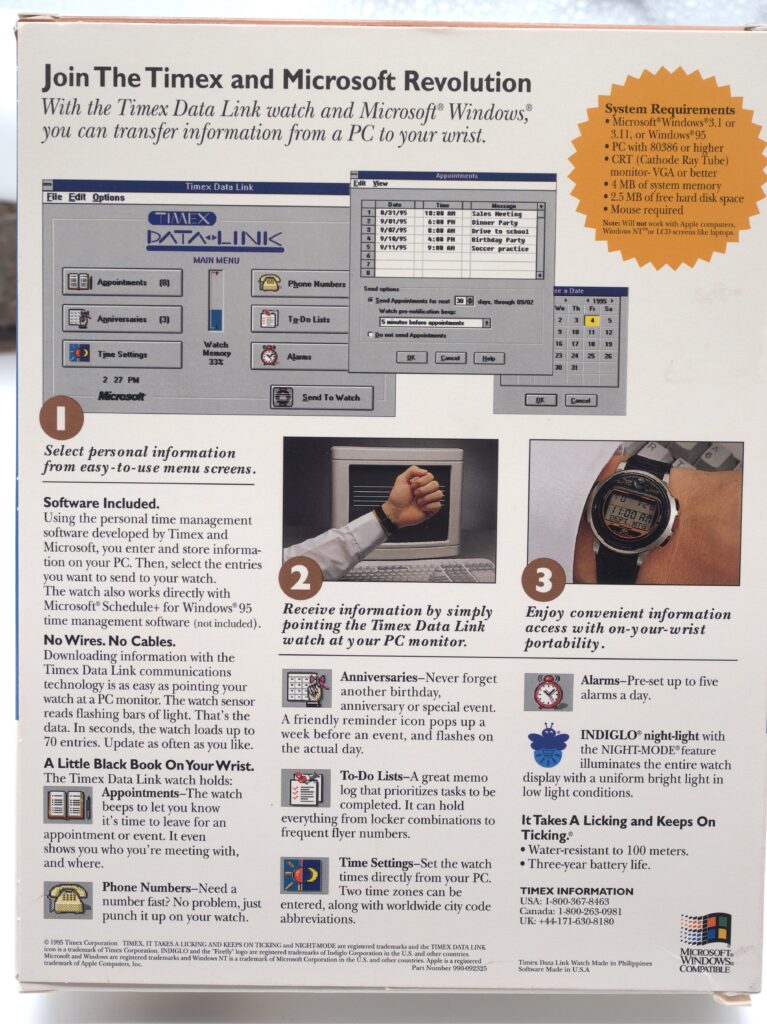
Join The Timex and Microsoft Revolution
With the Timex Data Link watch and Microsoft Windows, you can transfer information from a PC to your wrist
Overview
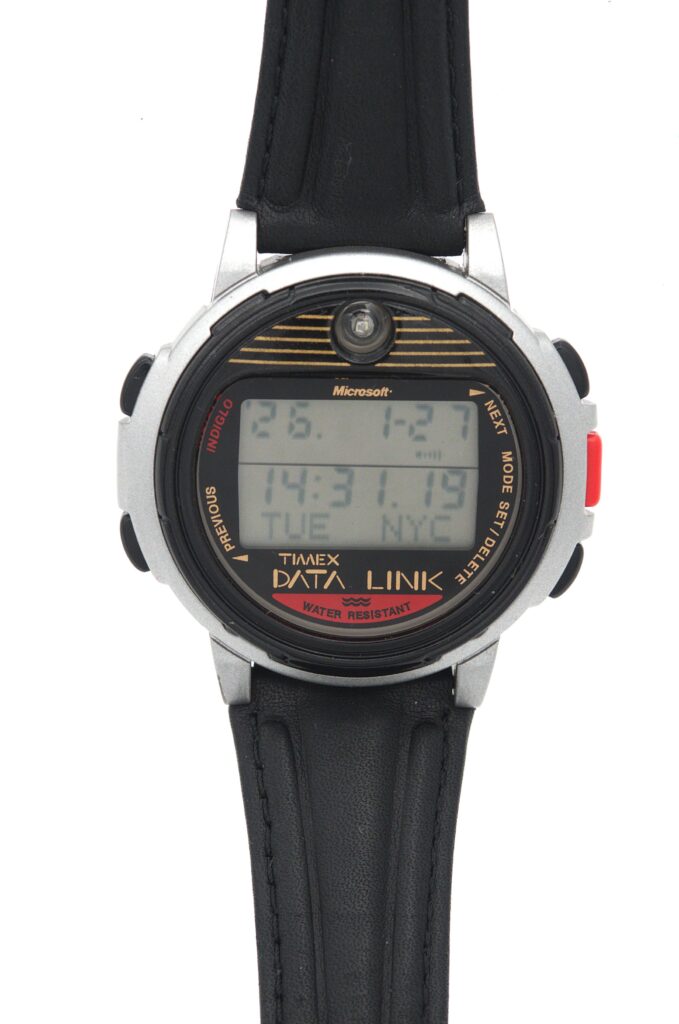
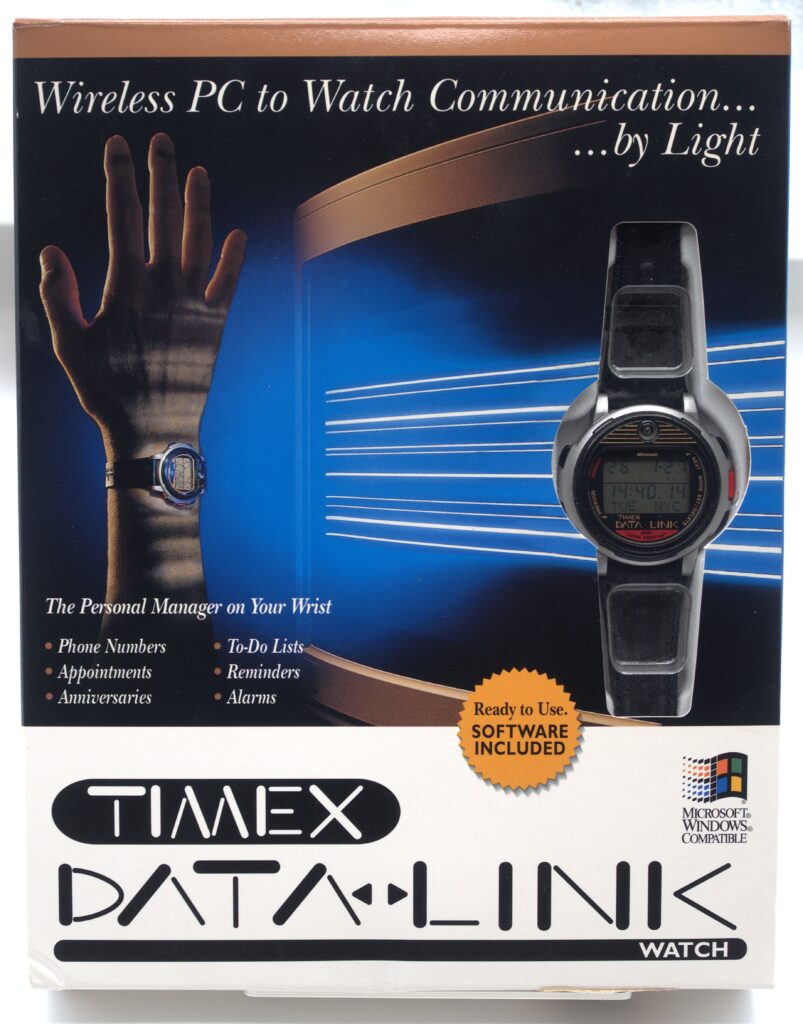
When the Timex Datalink came out, it represented a completely new type of device, a wrist-watch that also acted as a store for important personal information. Timex marketed this in cooperation with Microsoft at an introductory price of 130 USD, and in the box was an offer for Microsoft Schedule+, the new Calendar and PIM app that Microsoft had released for Microsoft Windows 95.
The first model released was called model 50 (or to be precise, it was later referred to as model 50 when newer models came out) and was available with different styles of wristbands. The figure 50 represented the approximate number of phonebook entries that the watch could store if you didn’t store anything else. So not a huge number of entries, but apparently enough to get people interested in it and buy it. It was later followed up with a number of different models, the later ones offering connectivity over USB.
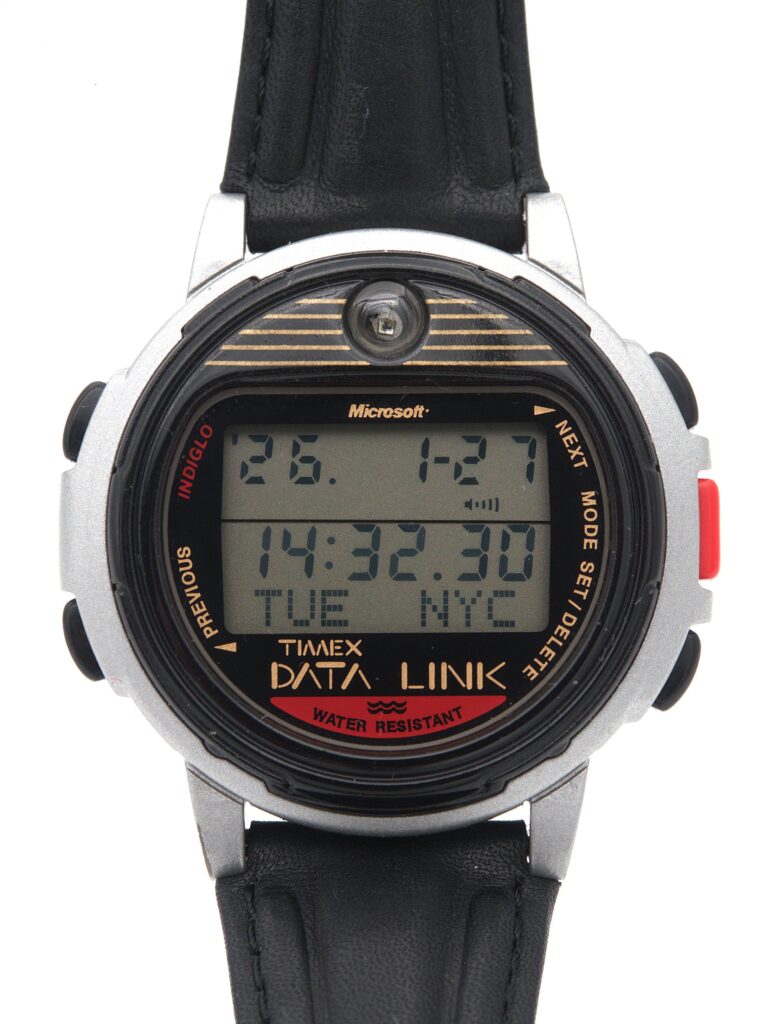
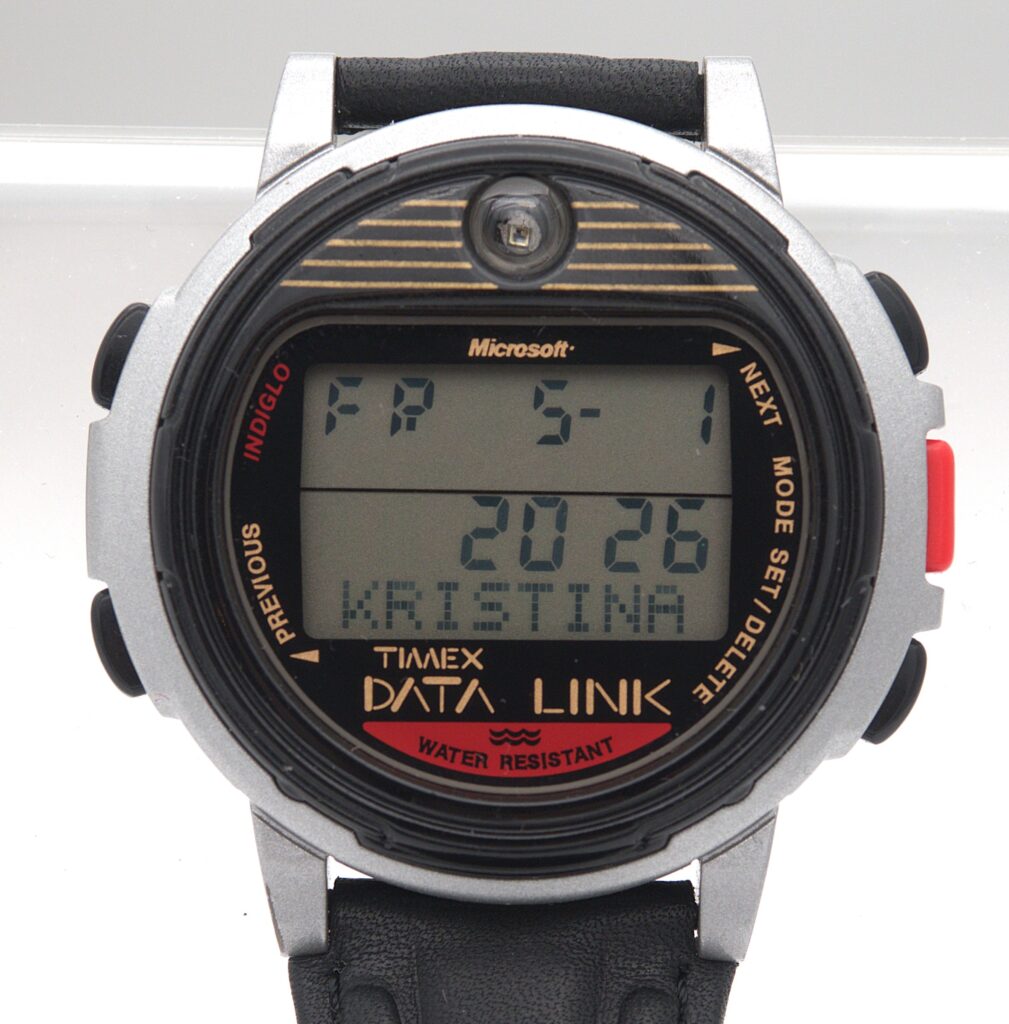
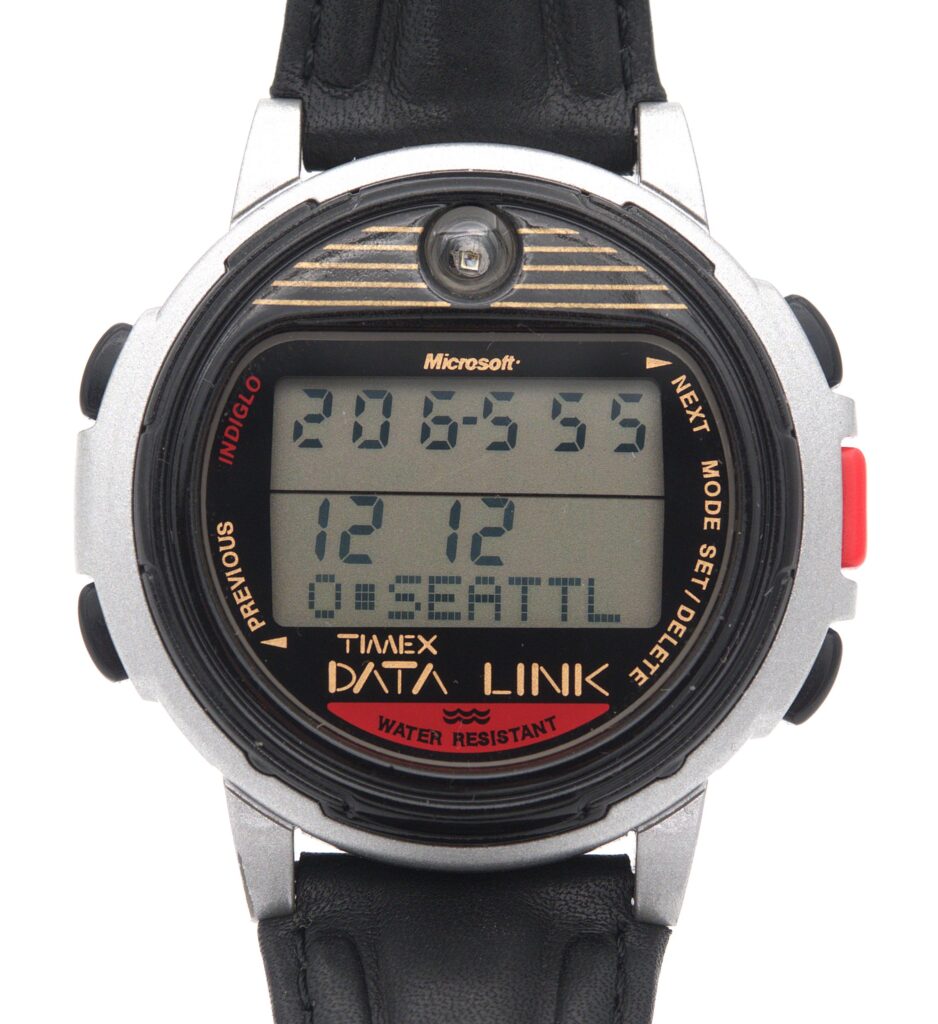
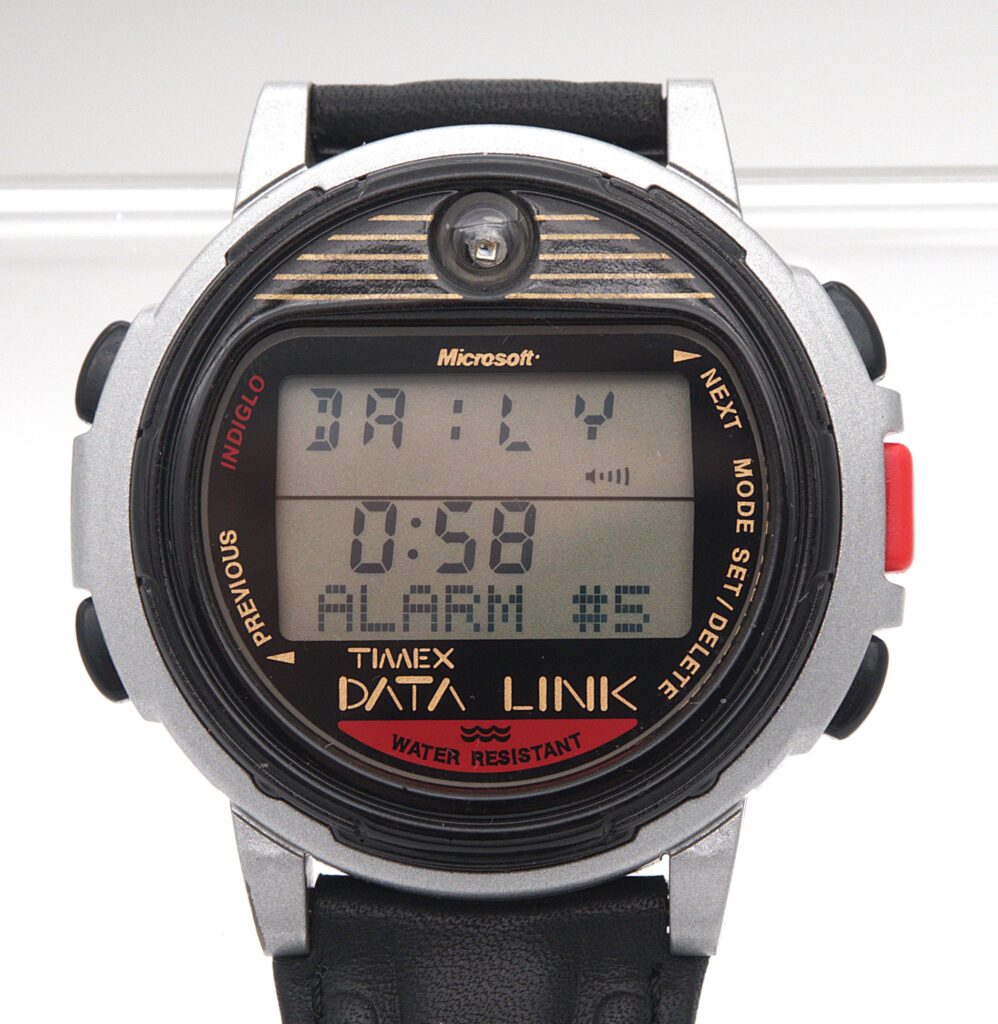
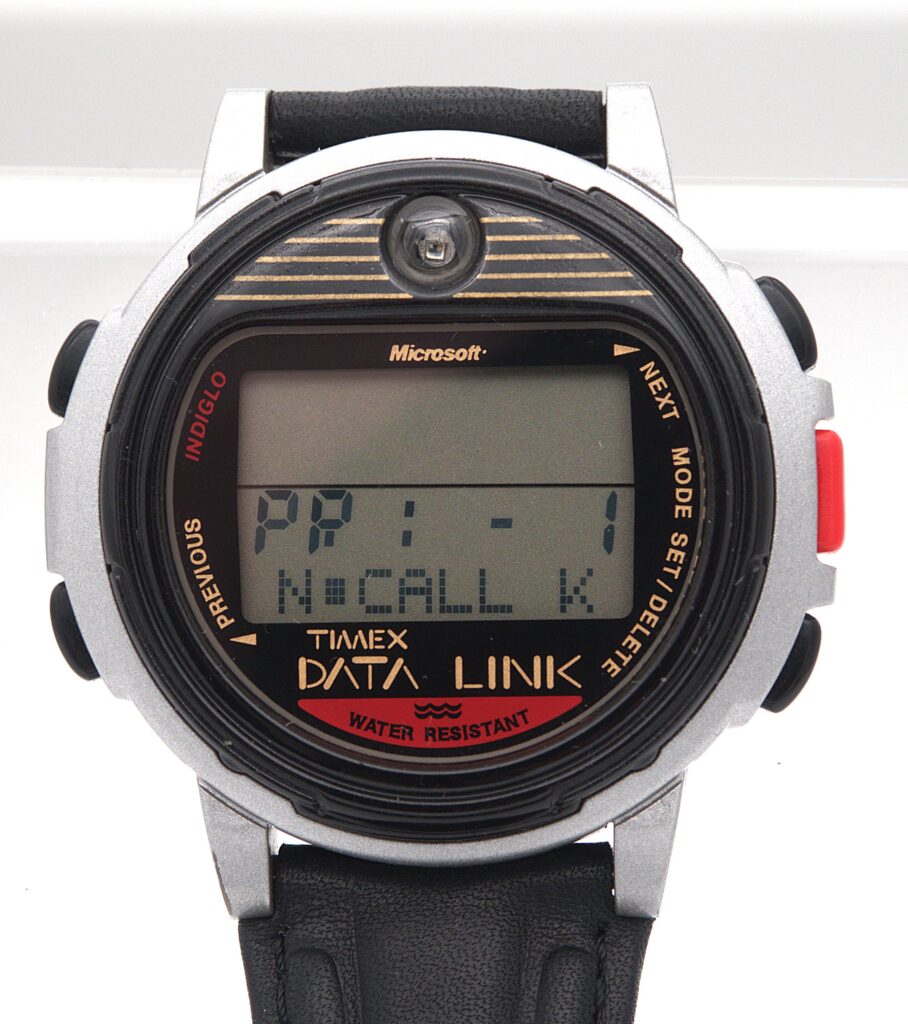
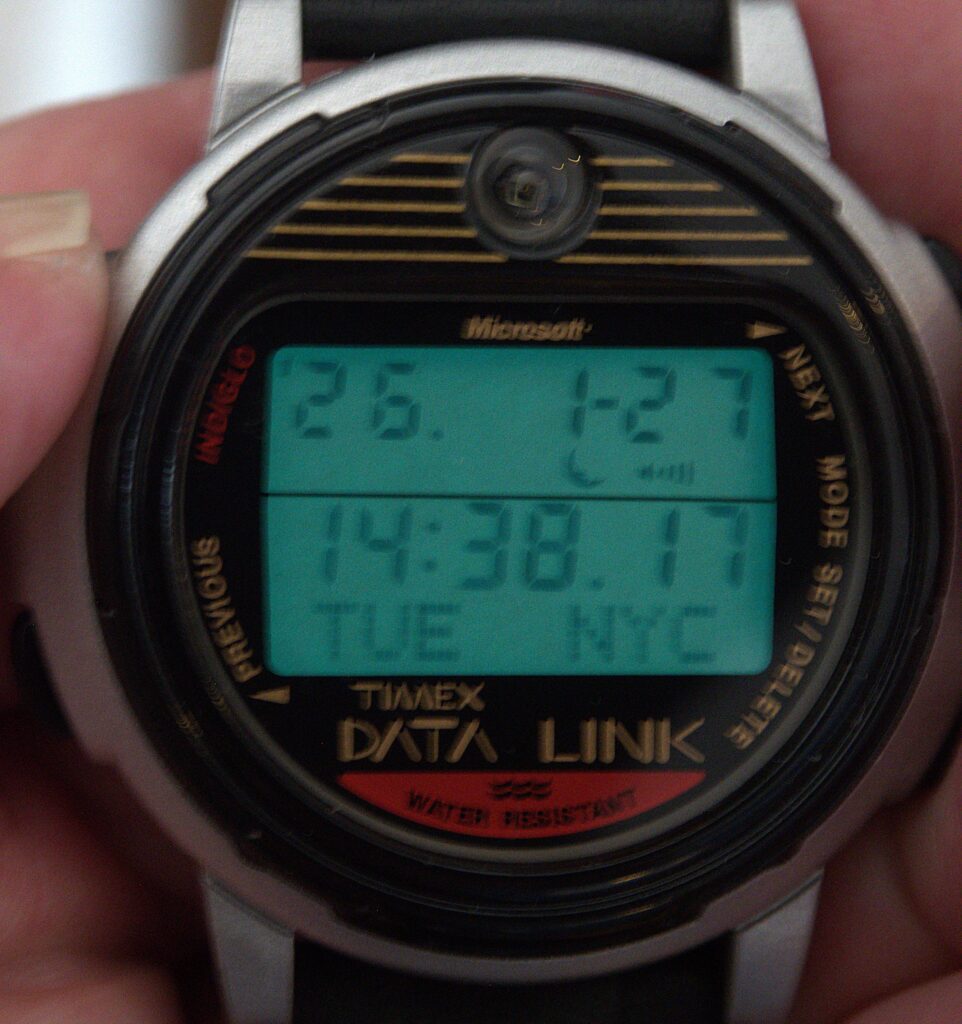
The item in my collection is model 50 with a leather wristband. As can be seen in the pictures, there are three lines of data in the display. The first line offers 8 characters formed from 9 segment positions being able to display numbers and some characters. The middle row has a slightly larger row of 7-segment positions displaying the time. The bottom row has a proper matrix display of 8 characters that scroll should the entries be longer than 8 characters. This row can display all characters in the English alphabet. The watch display has a backlight feature that Timex dubbed “Indiglo”. As a watch it has all the features you would expect from a digital watch of the era.
So how do you enter data into a device as small as a watch? This is where the clever engineers of Timex came up with something truly unique. By including a small optical sensor (it can be seen at the very top of the watch face), and writing a piece of software called the Timex Data Link software (my watch came with version 1.0 of that sofware delivered on a 3.5-inch floppy), you could enter the information on a PC running DOS or Windows, and then transfer it to the watch by holding the watch, pointing to the display of the PC and letting the software display a set of patterns that the watch decodes and stores as information. For this to work, the screen would have to be a CRT. LCD-screens, such as those in laptops, does not work. Remember, this watch was invented just before IrDA became available.
So what could you use this watch for, despite all the normal watchy things? Well, you could
- Enter anniveraries so that you get a reminder to not forget them
- Enter phone numbers
- Enter appointments that you want to get reminded of
- To-do items
So quite a lot, it seems, but the usefulness was less than that of a “proper” PDA because the watch is a read-only device with very limited memory and a limited display.
The idea of having access to important information such as phone numbers and anniversaries on your wrist was unheard of before Timex introduced the Datalink, in close cooperation with Microsoft.
This makes the “wrist PDA” truly unique. Even more remarkable is the way it synchronizes data with a PC: via a flickering pattern on a CRT display, interpreted by a light-sensitive sensor in the watch — a method that has neither been used before nor since in any other product line.
References
Wikipedia page about Timex Datalink (the whole series)
A collectors display of all his Timex Datalink watches (18 of them!)
Nice video about the model 70 which came out right after model 50