
Credit card sized PDA with Quicklists input
Quick facts
- CPU:
- Toshiba emulating Zilog Z80
- RAM (KB):
- 512
- Storage (MB):
- (only RAM)
- Display:
- 160x90 pixels, monochromatic
- Operating system:
- Proprietary
- Year introduced:
- 1998
- Power source:
- 2 x CR2025 lithium cells
- Connectivity:
- PCMCIA
- Dimensions (mm):
- 87x54x3
- Weight (g):
- 32
- Built-in apps:
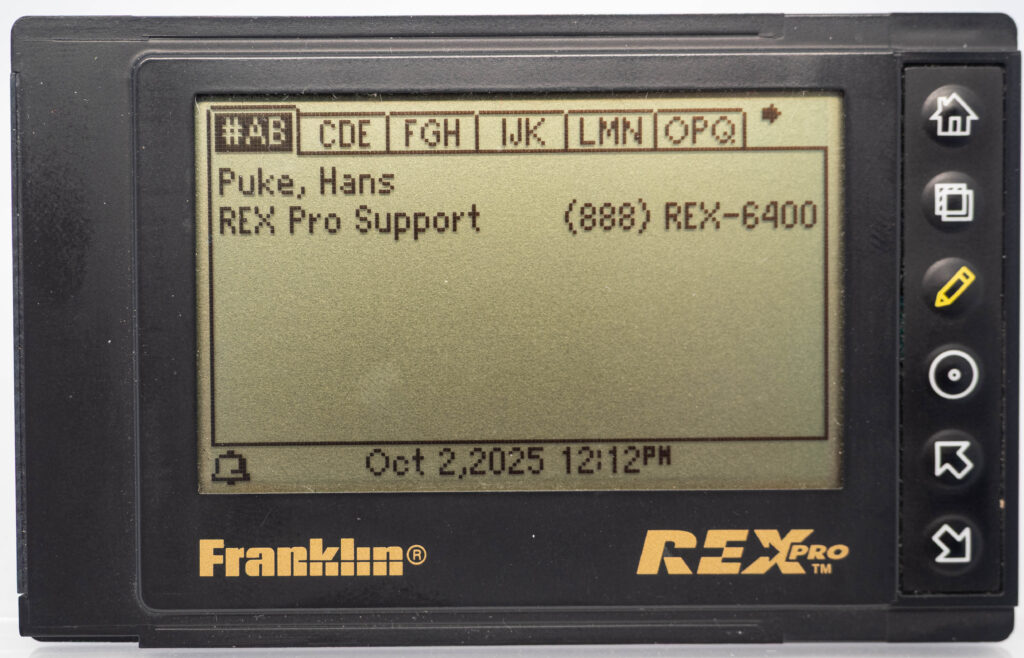
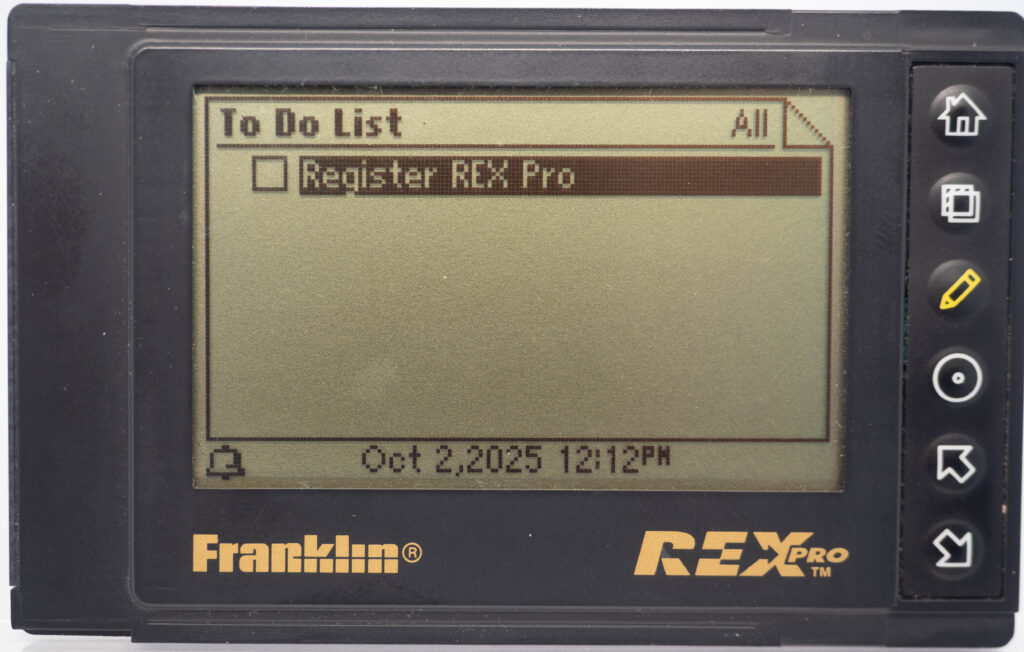
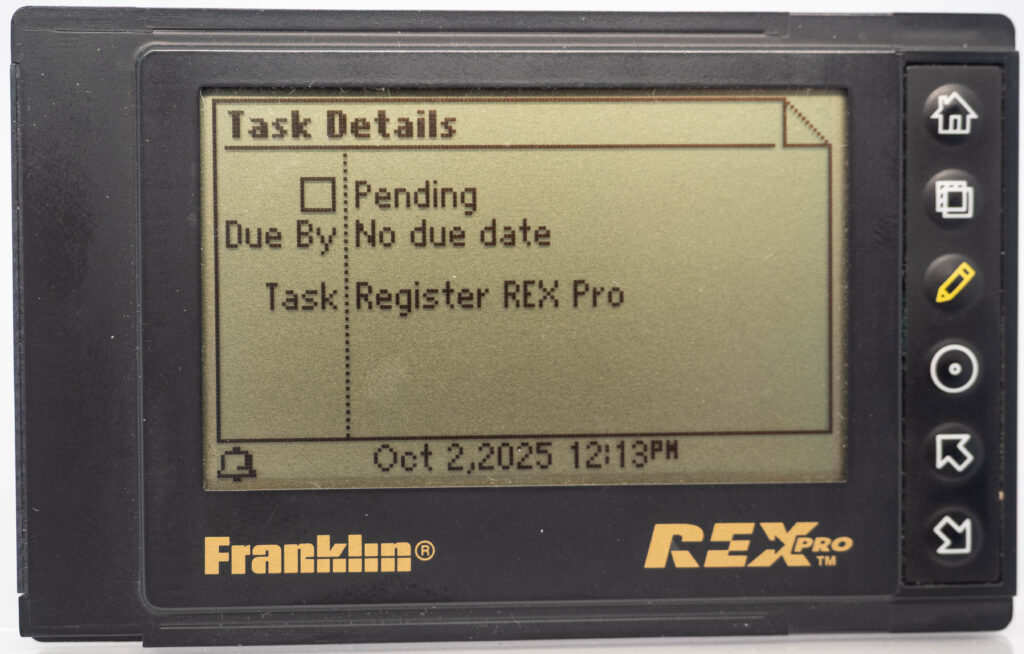
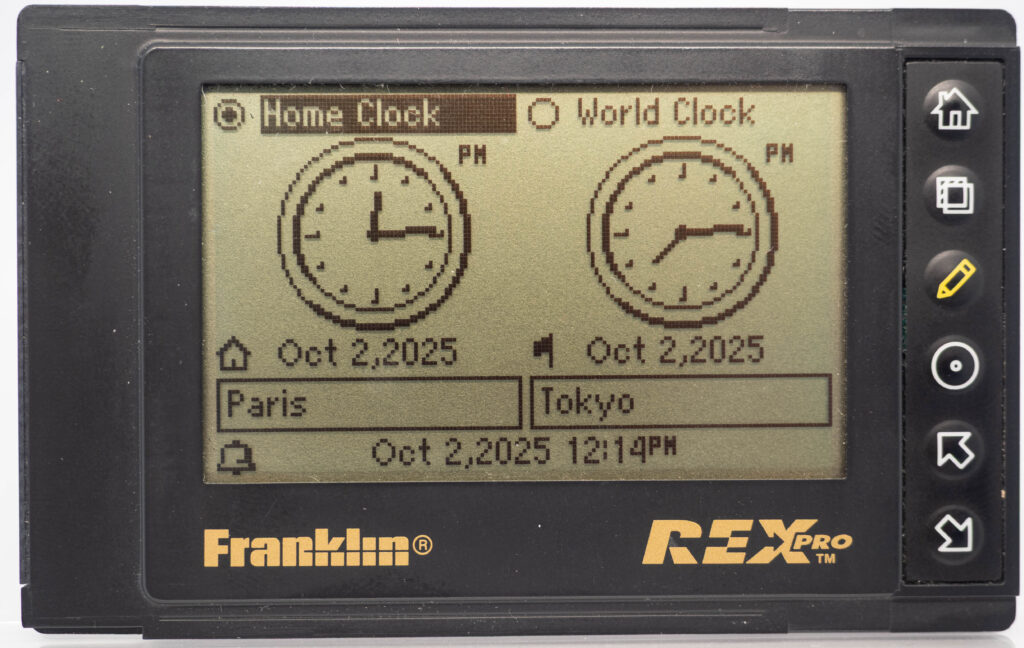
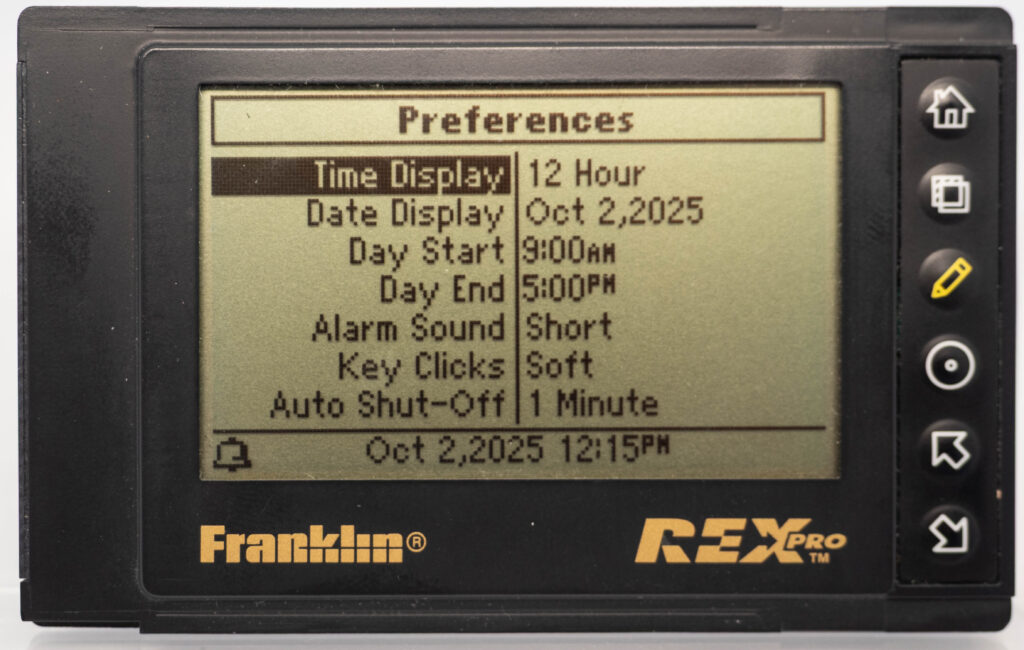
- Organizer, Contacts, ToDo, Notes, World clock, Settings
- Input method:
- "Quick lists" and letter-by-letter selection
Overview
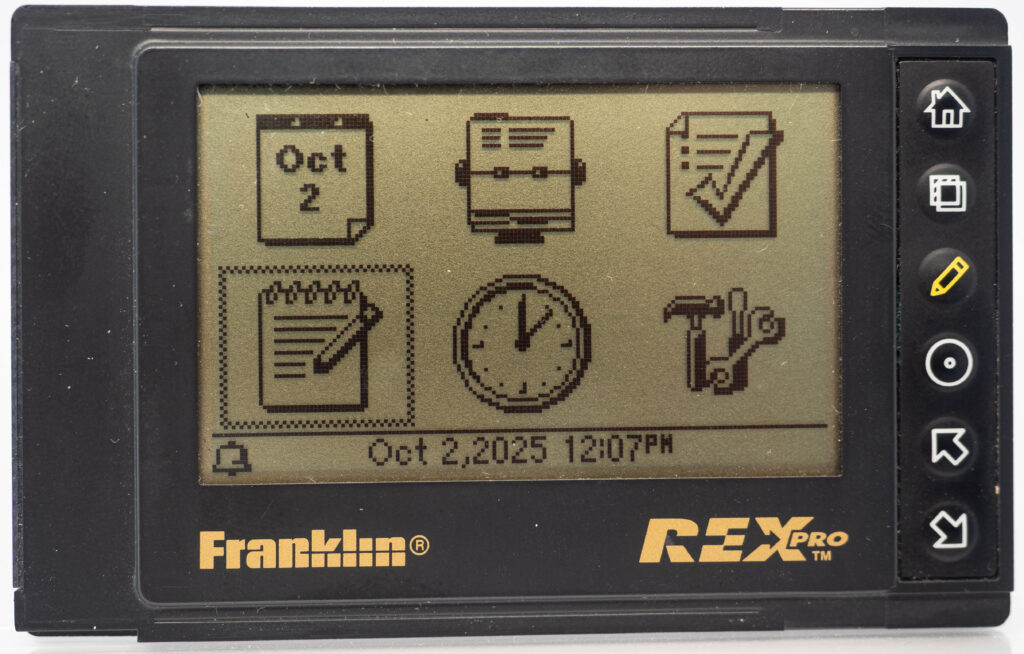
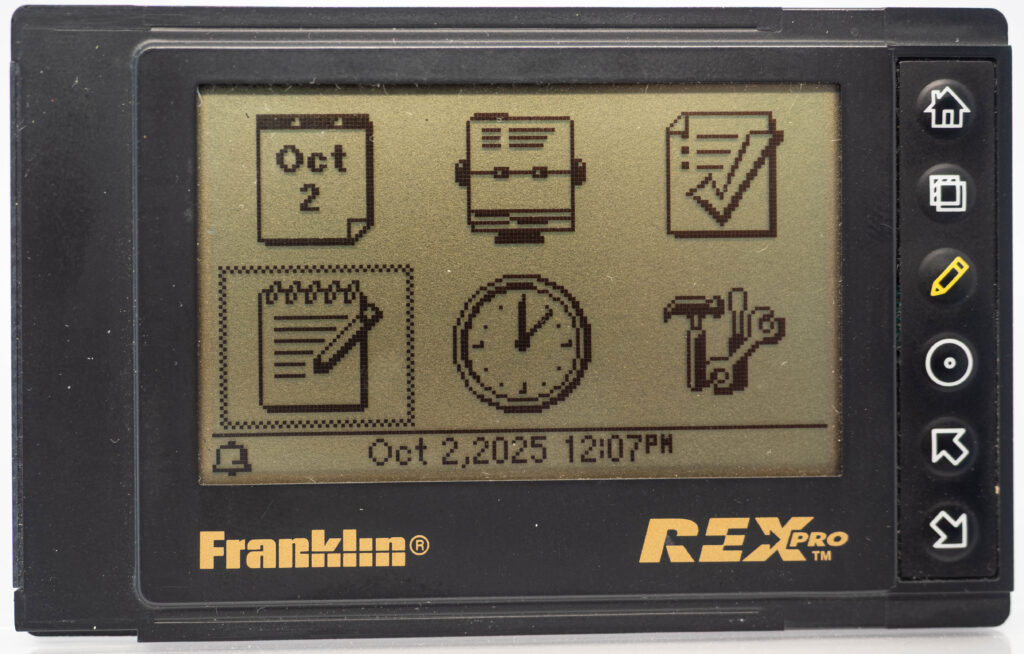
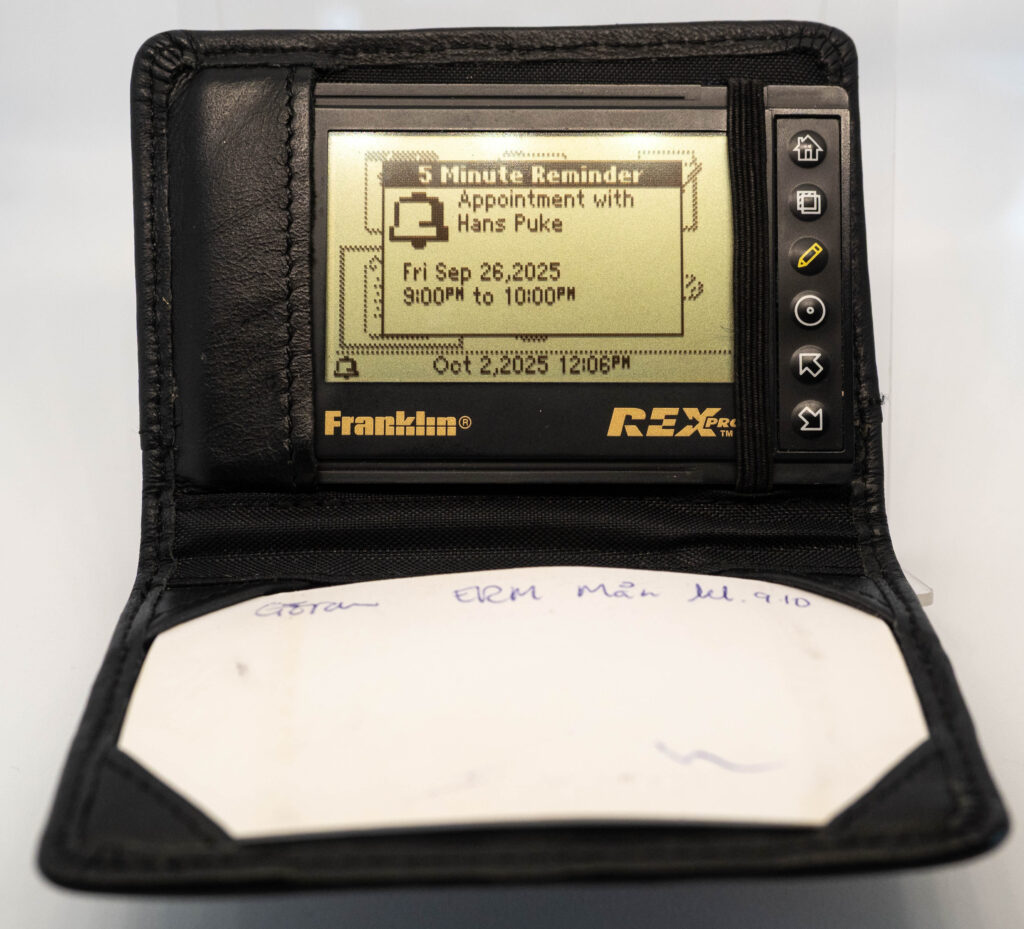
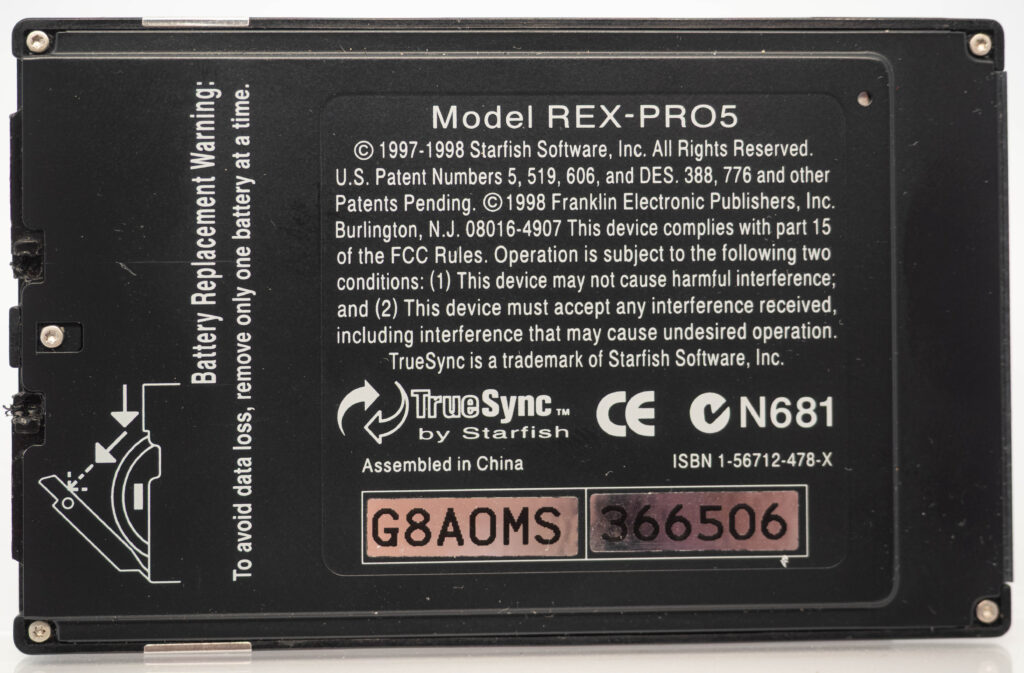
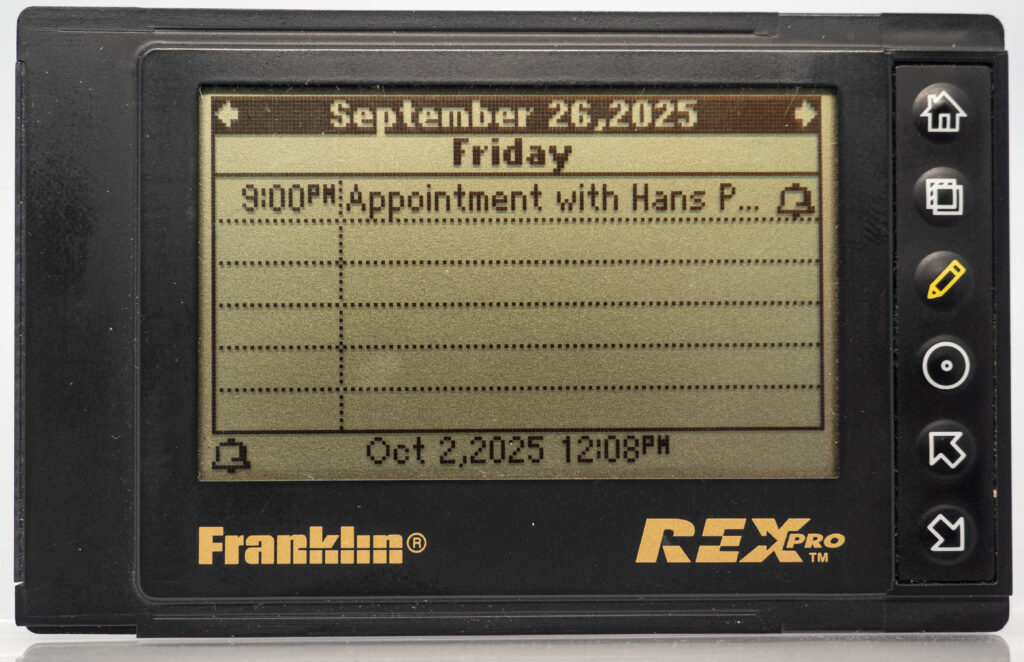
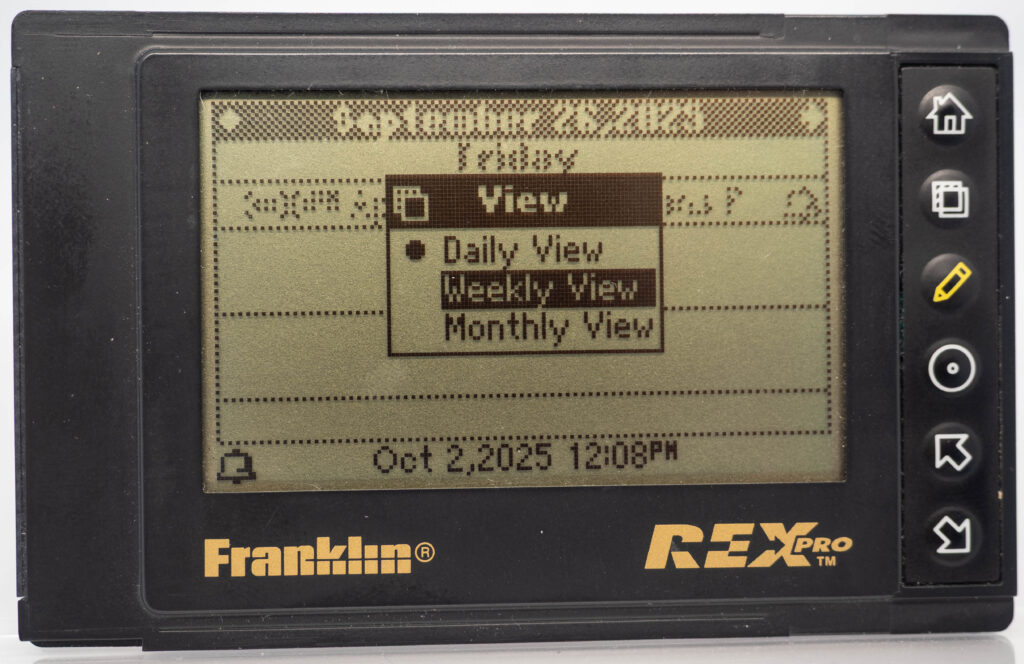
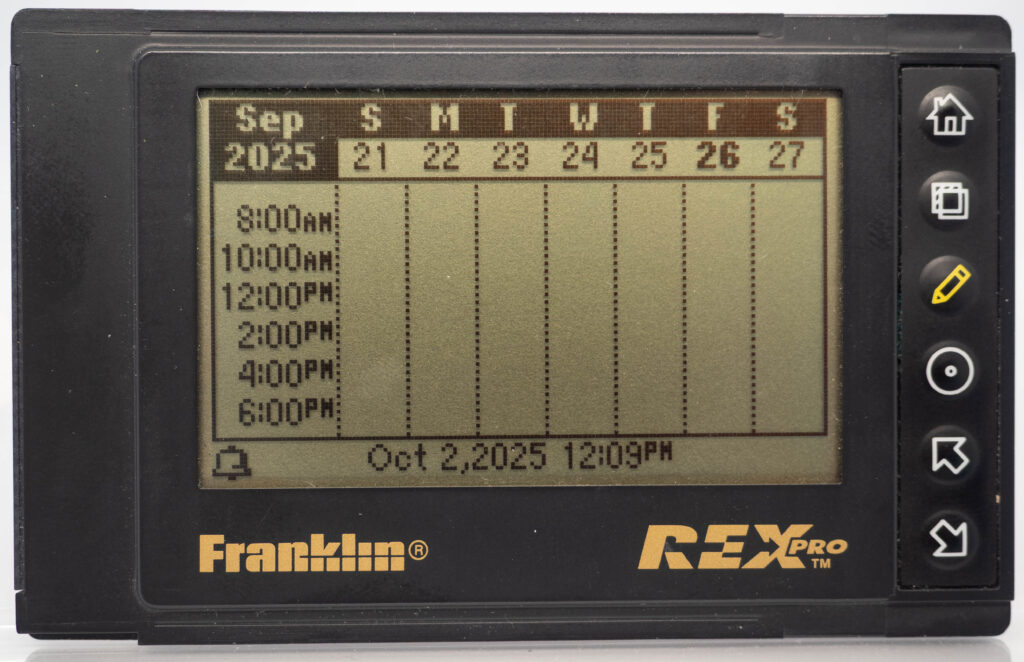
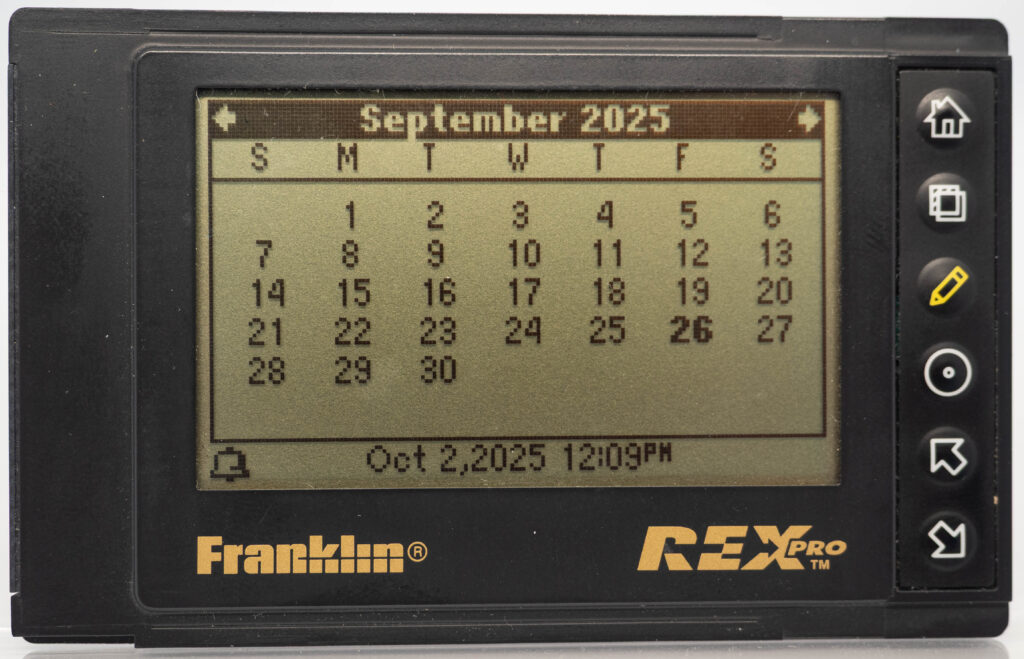
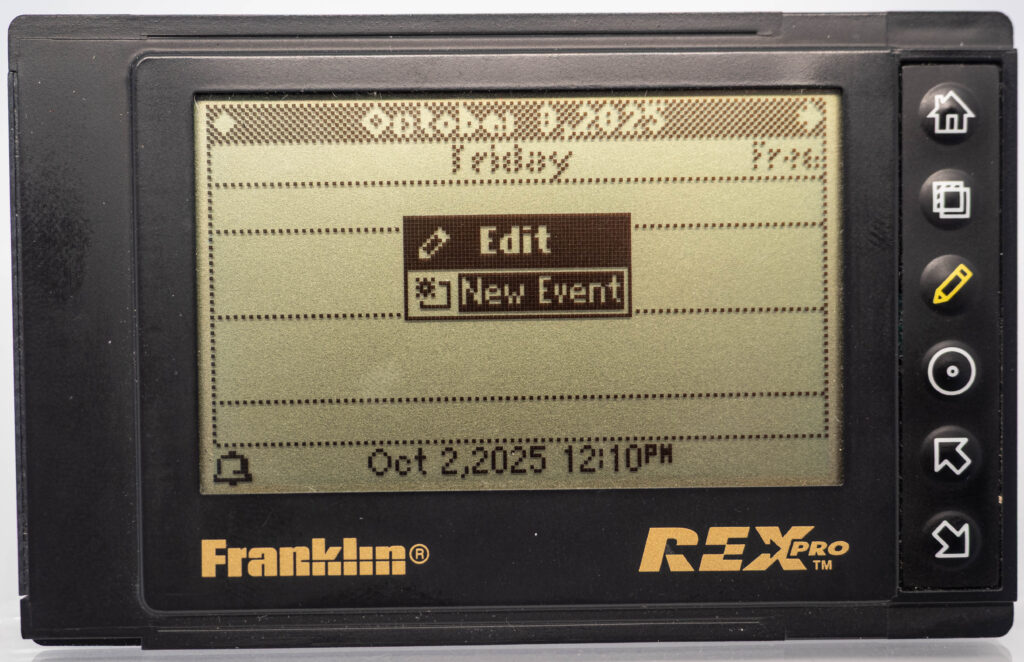
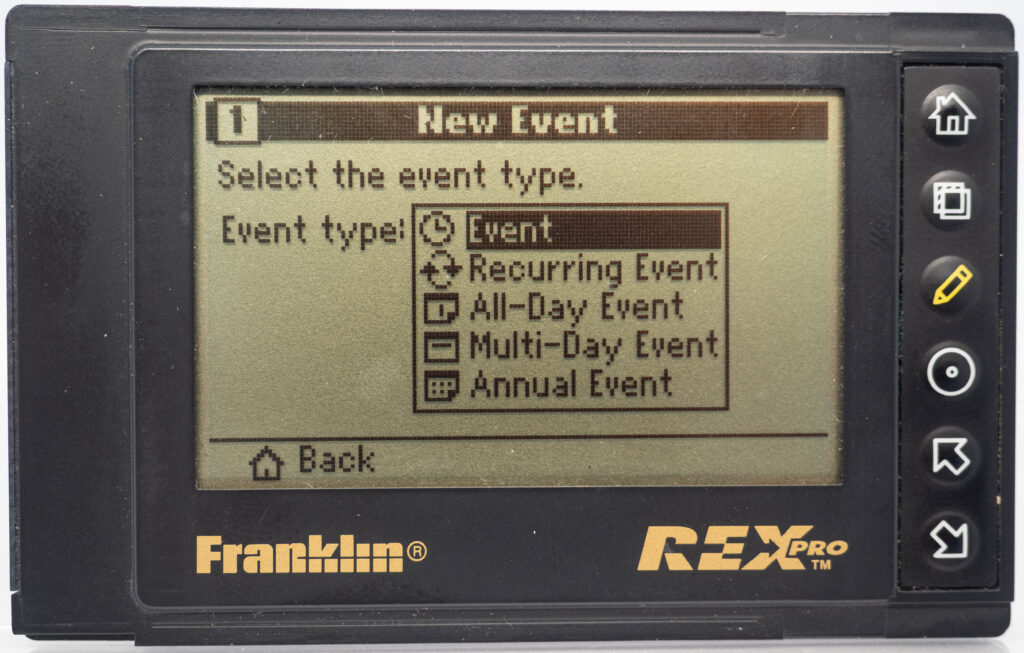
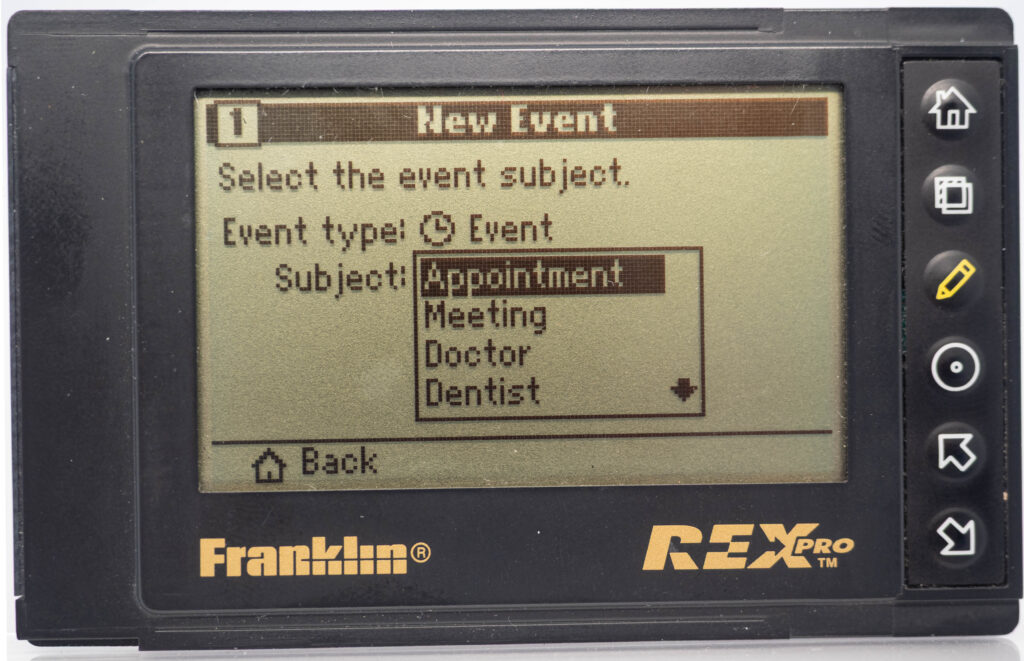
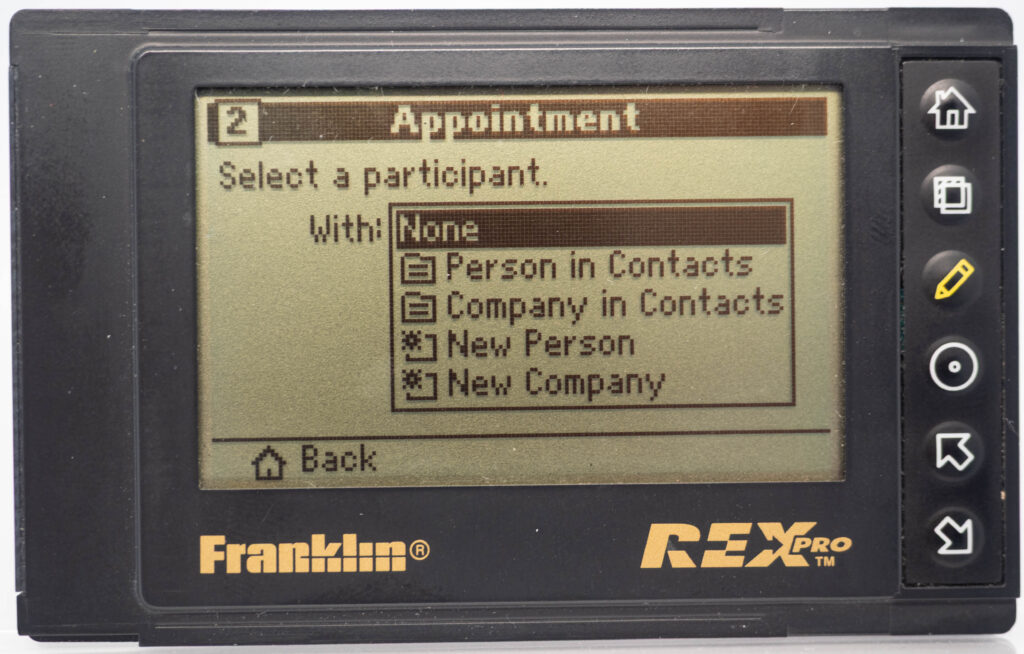
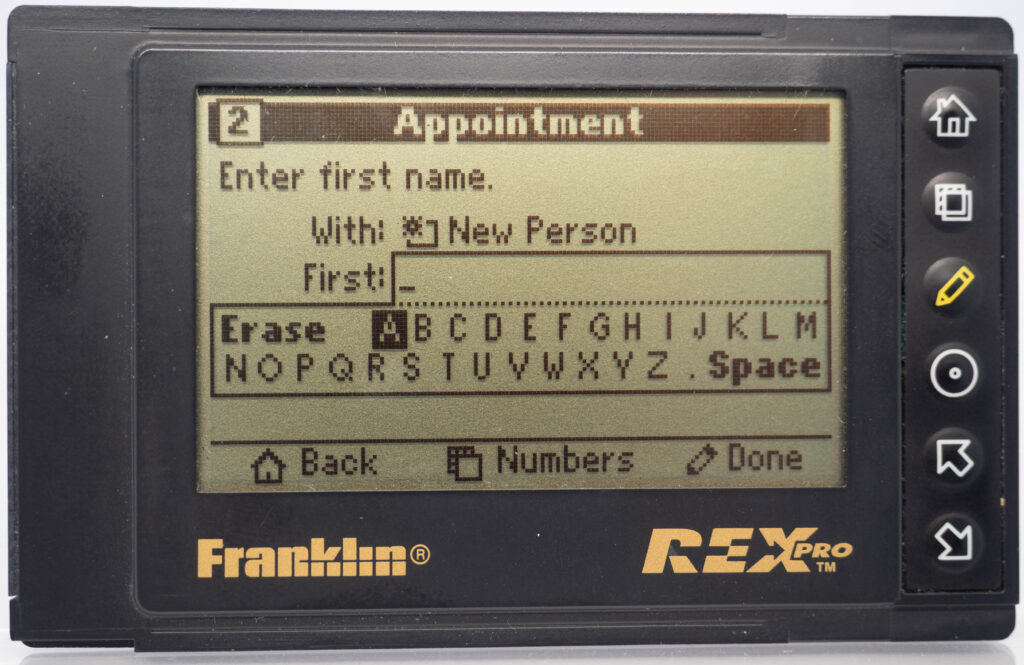
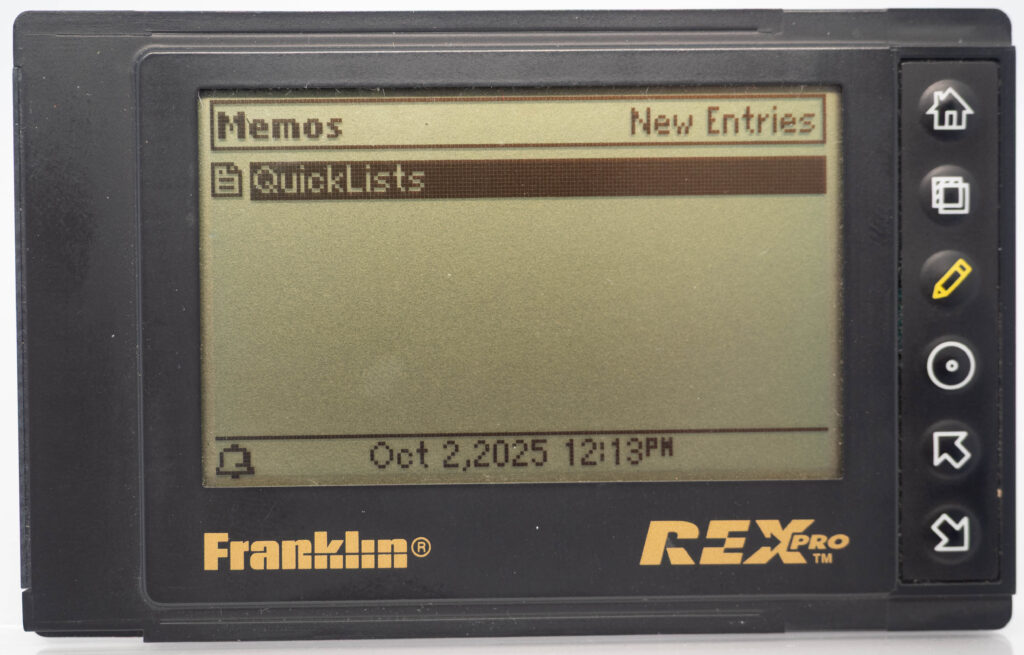
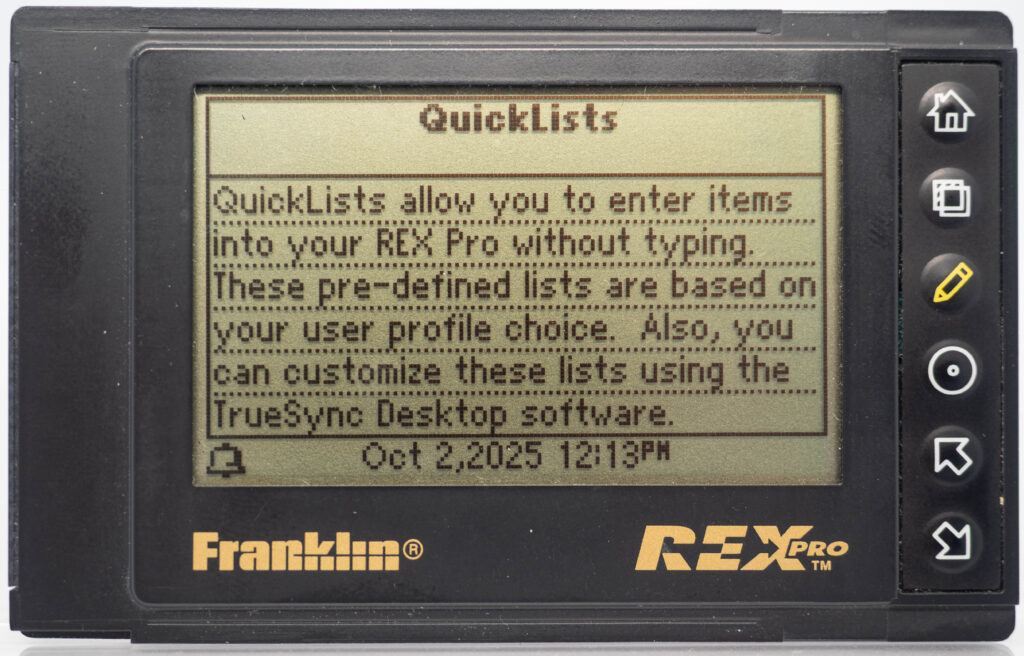
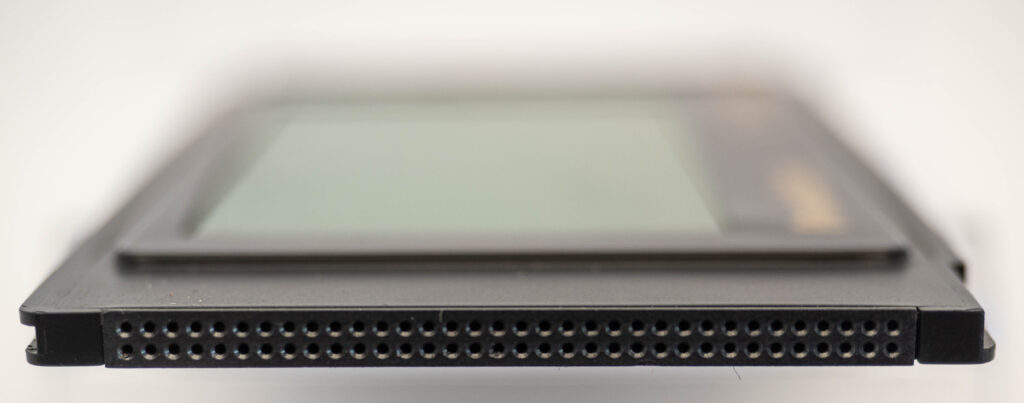
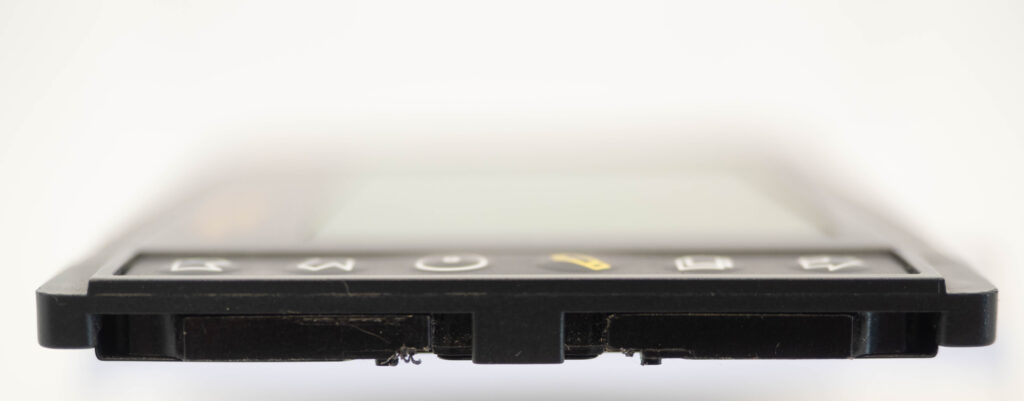
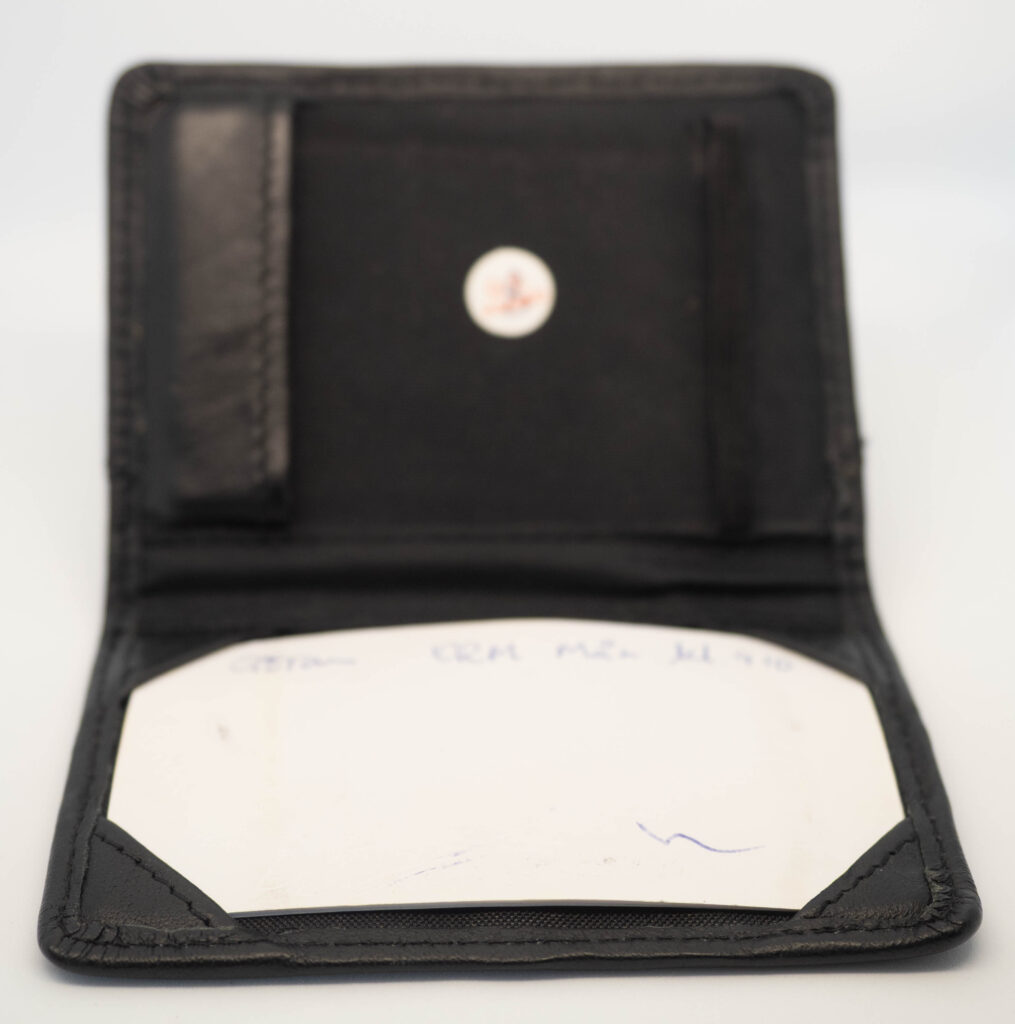
The Rex Pro or REX-5 or Rex 5000 was the successor to the Rolodex Rex (or REX-3). It retains the same size and screen, but adds the very important feature of being able to edit things on-the-go. It still has only 6 buttons (one more than its predecessor), so how on earth do you accomplish editing using only these buttons? The truth is that you would very seldom enter entirely new text on the go. Instead, you would create phrases beforehand, using your PC and load that library of phrases over to the PDA. This capability was referred to as “Quicklists”. Example phrases would be “Meeting with “, “Dentist appointment”, etc. While out and about you could then easily choose one of those phrases for your calendar for instance and complement it with the name of the person you are meeting with (from the address book, or enter it manually, letter-by-letter) and at what date and time. That way it was at least somewhat useful compared to the previous model where you could not enter anything at all while on the go. It also came with a small note-pad as part of its cover. Its successor, the Rex 6000, added pen-input via its touch-sensitive display.
The REX Pro was the successor to the original Rolodex REX and addressed its main limitation: the inability to enter information while on the move.
Franklin’s solution was characteristically restrained — adding just a single extra button.
Instead of introducing full text input, the REX Pro focused on what users were most likely to add on the go: appointments and meetings. By allowing the user to prepare lists of commonly used phrases in advance and select from them when needed, this minimalist approach proved both practical and elegant.